MISC: Reviewing the Job Audit via Reporting Menu (Advanced)
OVERVIEW:
When you have a very large job with a lot of activities viewing the job audit is much easier as you can use filters to exclude what you don't need to see.
Go to the REPORTING menu and then click on Job Audit List
https://creatorapp.zoho.com/100rails/goscaffold/#Report:Job_Audit_List
Start using the filters you need:
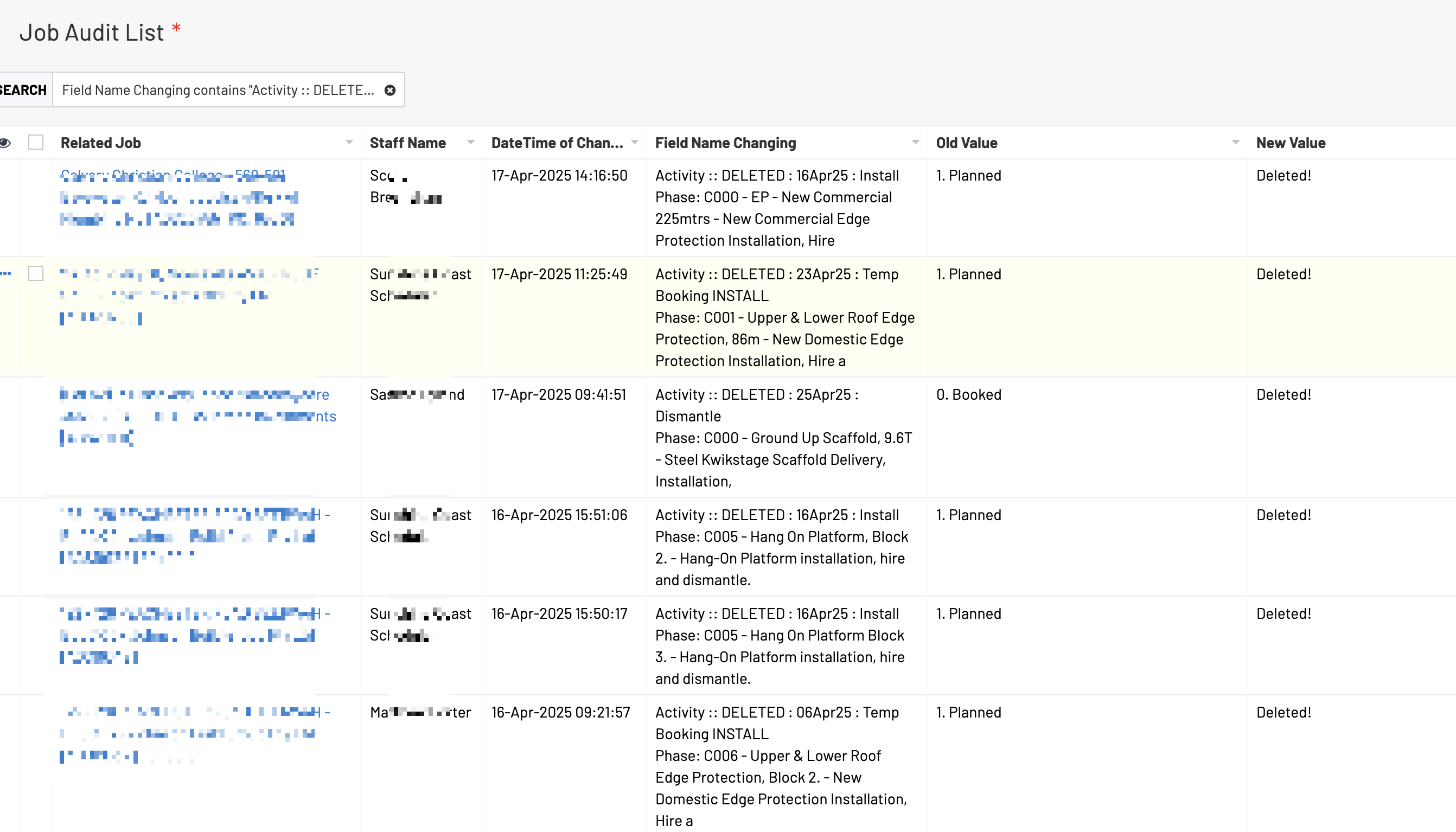
EXAMPLE: Finding all deleted Activities. Click the Field Name change search icon and type in "Activity :: DELETED"
EXAMPLE: Searching for a job number:
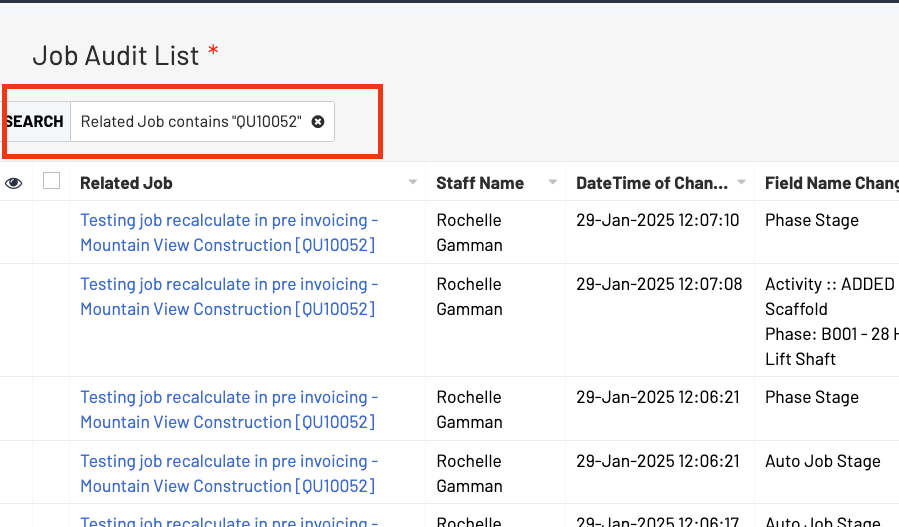
You can search for Phase names/numbers in the Field Name Change column or what type of change (job stage etc)
For more help, please contact support@100rails.com with specifics and full screenshots.