*HR: Staff Profile Overview
OVERVIEW:
The Staff List is where all information is held about your employee.
There are many sections to the staff list, but as long as you fill in the basics and click set securities, your employee will be ok to start using Scaflog.
Remember to scroll down and UPDATE when wanting to save your information.
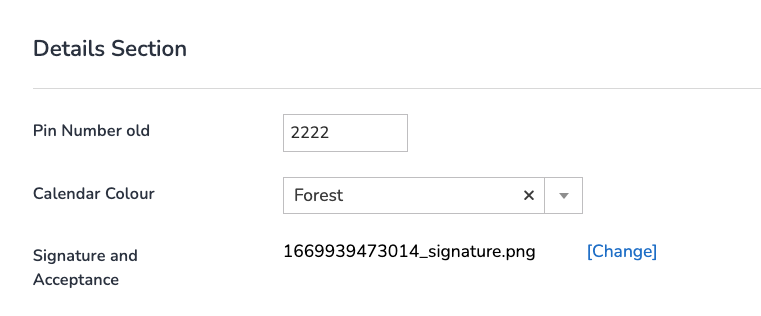
Details Section:
- Pin number: required only if using the Clocking APP
- Calendar Colour: This is used if you are seeing your employees on the Calendar view as opposed to Work Type Colours OR as a Quoter in the Jobs list
- Signature: Self explanatory
Contact Details Section:
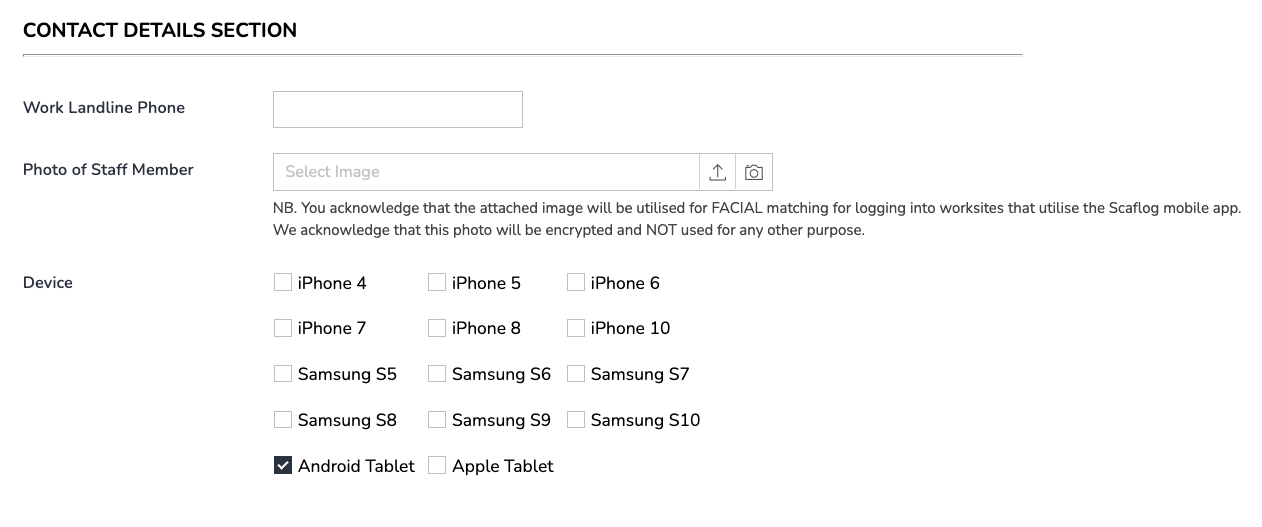
Photo of Staff Member: If you are using the Clocking Menu a good photo is required for facial recognition.
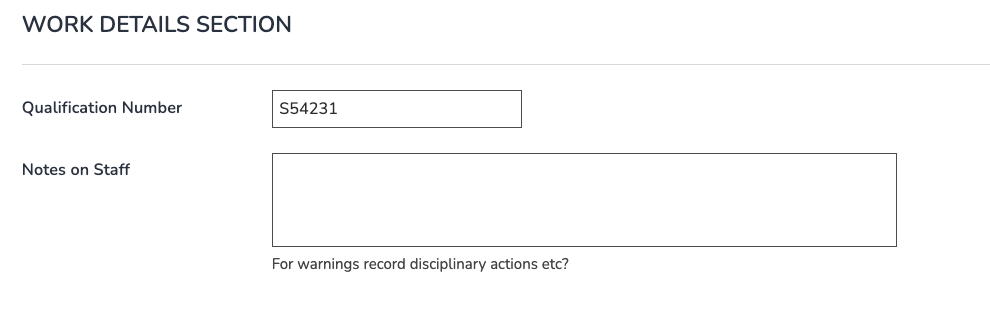
Work Details Section:
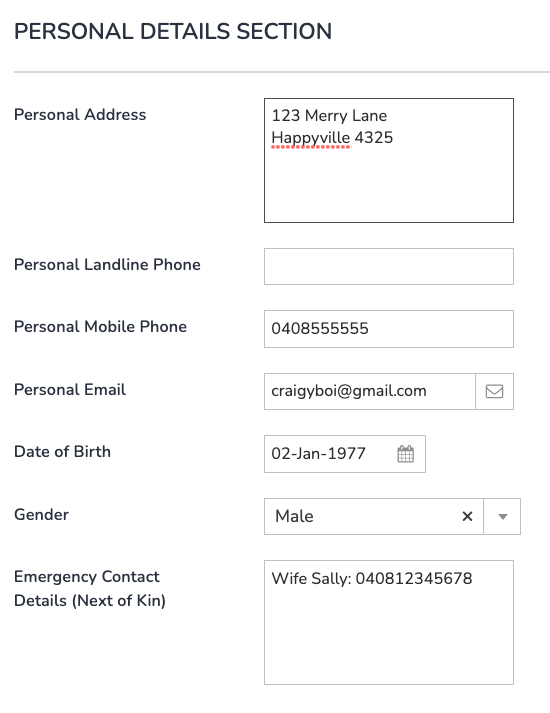
Personal Details Section:
The following 11 sections are all qualification/cert/info based and can be filled in at a later time or when the employee gains qualifications: