*MISC: Adjusting the WIDTH of a column in one of the Lists
OVERVIEW:
Sometimes a column on a report may not quite be the right size that you are looking for.
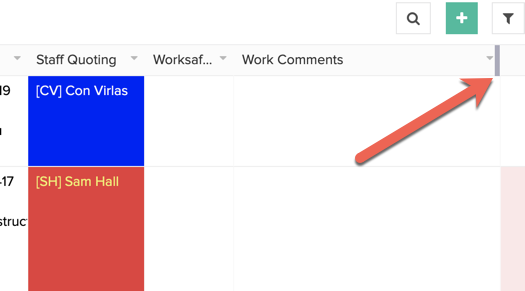
You can modify it temporarily by hovering your mouse at the top of the column on the right and then LEFT clicking and HOLDING the LEFT CLICK and dragging the column divider icon left to make it narrower or drag the icon to the right to make it larger.
NB. See where the ARROW points below. This is what you hover over and left click and hold the click to adjust left or right.