*INVOICING The difference between Sync to Accounting and Sync to Awaiting Payment
There are two ways to sync invoices to Xero from Scaflog
- Sync to the Xero drafts folder
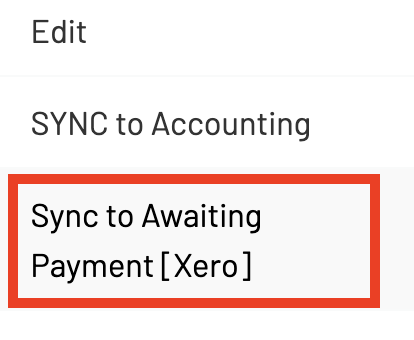
- Sync to the awaiting payment folder
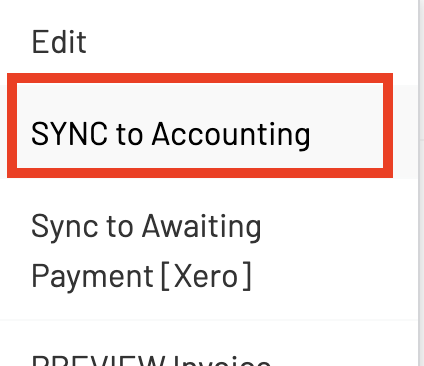
Sync to Accounting (to the Drafts Folder in Xero):
On the right click or the buttons at the top, what ever one you choose to sync with will determine the sync status and if it goes into your draft folder or straight through to approved in Xero.
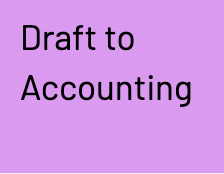
If you choose "Sync to Accounting" it will go the drafts folder in Xero and you will need to approve these in Xero. The invoice status will update to the purple "Draft to Accounting" in Scaflog.

Sync to Awaiting Payment (to the Awaiting Payment folder in Xero):
If you choose the "Sync to Awaiting Payment [Xero]" then this will skip the drafts folder and the invoice will automatically be approved and be sitting in the awaiting payment folder in Xero. The invoice status will update to the green Awaiting Payment in Scaflog.