*INVOICING: How to record payments against invoices
Overview:
This feature is split into two options
- Manual: You can record Payments manually from your bank statements or another accounting system
- Automatic: If you have Quickbooks you can ask our CSI Support team to hook up your accounting system so any payments that are recorded in the accounting system will get applied back into Scaflog
Manual Bulk Loading Approach:
- The first option for bulk loading a list of payments is to go to the Payments List menu option in the Invoicing Menu Module
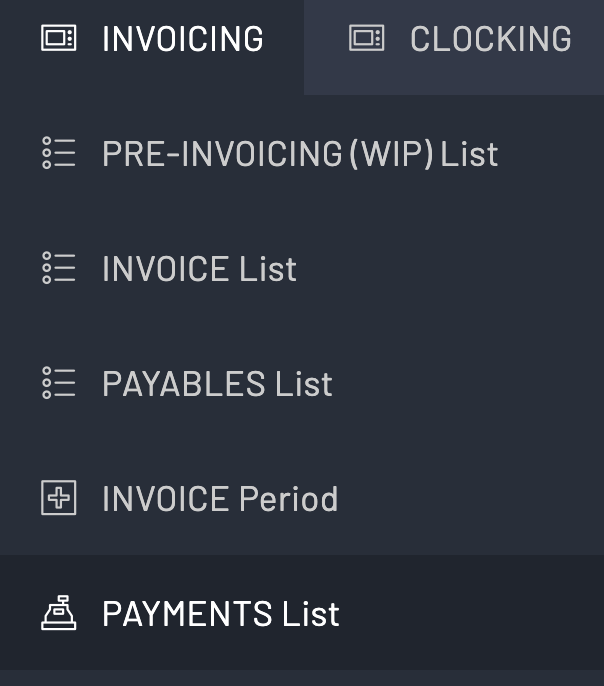
- Once you are in the Payments List you can then click the Add button in the top right and add the invoice number (from a search) and the Date of payment and the Amount of payment. Note: If this is your first payment made in this list there will be no payments and you need to click the add button in the centre of the screen.


- The system will set the Invoice Status to Paid in the invoice list if the amount of payment equals or exceeds the Grand Total.

Manual Single Load Approach:
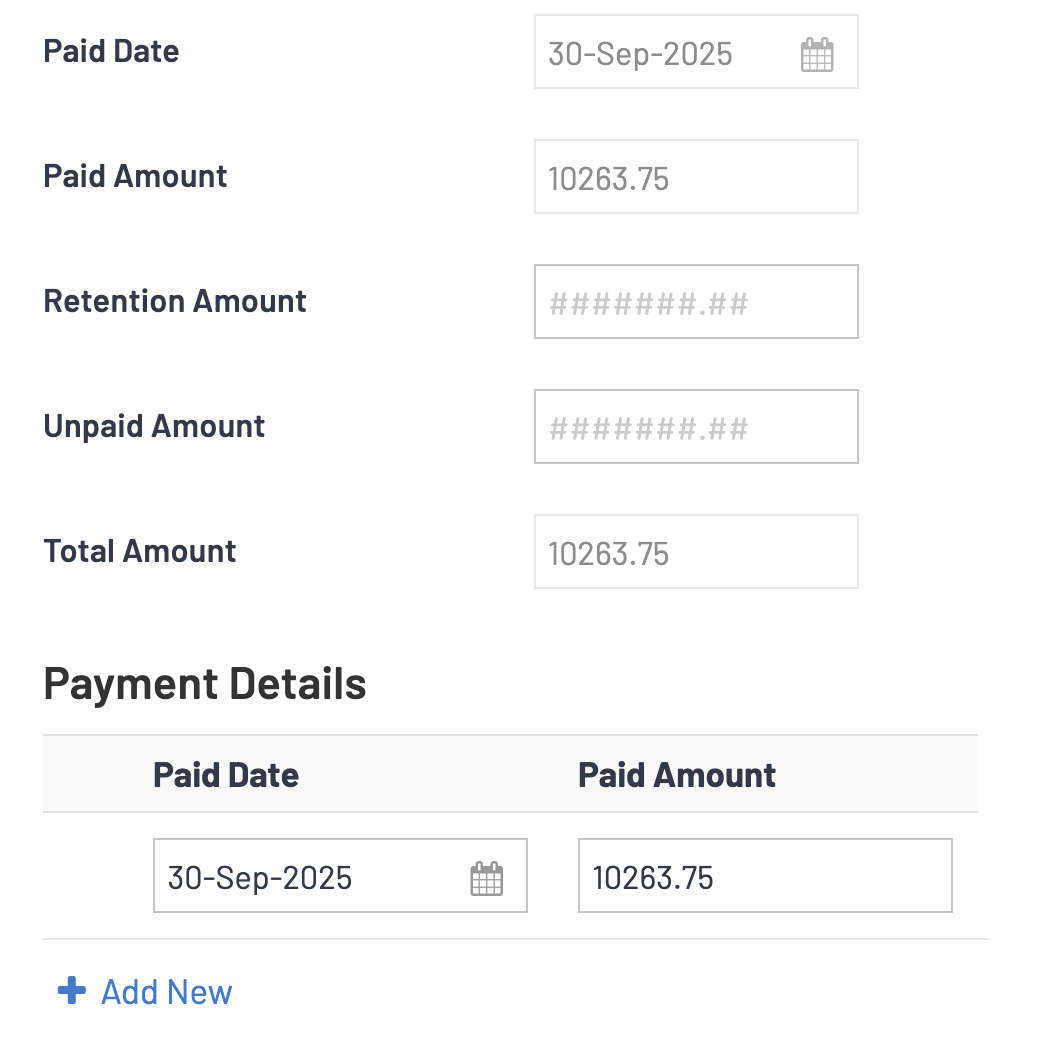
- The second option is to go to the Invoice List on the Invoicing Menu and search for the invoice, right-click, and Edit the invoice. You then scroll down to the Payment Details section and simply add the Dates and Amounts of payments for the invoice you are in. Use the + Add New text to do this.
- You can also see payments that are loaded from the bulk method in here as well.
- The system will set the invoice status to paid if the amount of payment equals or exceeds the Grand Total.