How to set a cash client to NOT be scheduled work until accepted
Some clients may owe you money and you need to make sure that you cannot pop any work into your schedule/Calendar of work until you set them back to accepted.
If you want to use this feature please contact us at support (support@100rails.com) so we can make the small adjustment.
how to set a client to have work added to the calendar:
Go to CRM and then the Clients List
Edit the client
Scroll down to the Client Payment/Access Details section
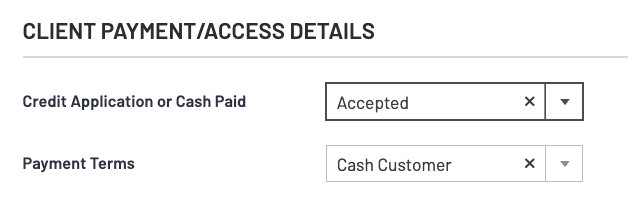
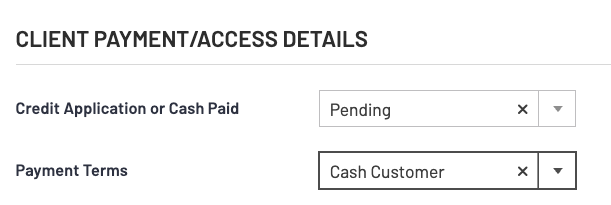
Set the payment terms to Cash if they aren't already
IF the credit application is NOT set to ACCEPTED then you will not be able to schedule work for them
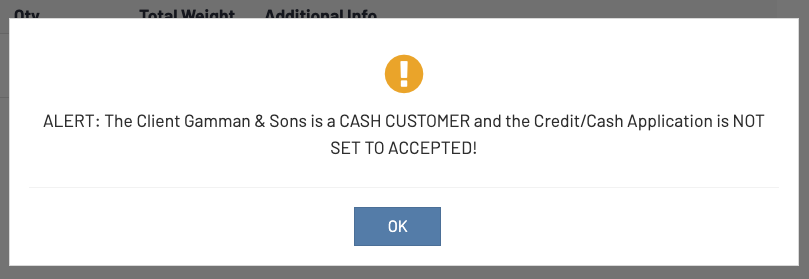
This is the message your ops team will get if they try to schedule work:
To allow anything to be scheduled you will need to set the credit application to ACCEPTED.