For Activities - Send Notifications of Bookings to Client Contacts
OVERVIEW:
This feature allows the notification of Client Contacts when a booking is made via email
If a Calendar activity is IN THE FUTURE and the work type on this Activity has the config setting called "Include Notification to Clients for this Work_Type"
Then an email will be sent to the emails listed in ???
Notifications will only go to Planned or Booked Activities on the calendar.
SETUP the Company:
https://creatorapp.zoho.com/100rails/goscaffold/#Report:Company_Setup_Details
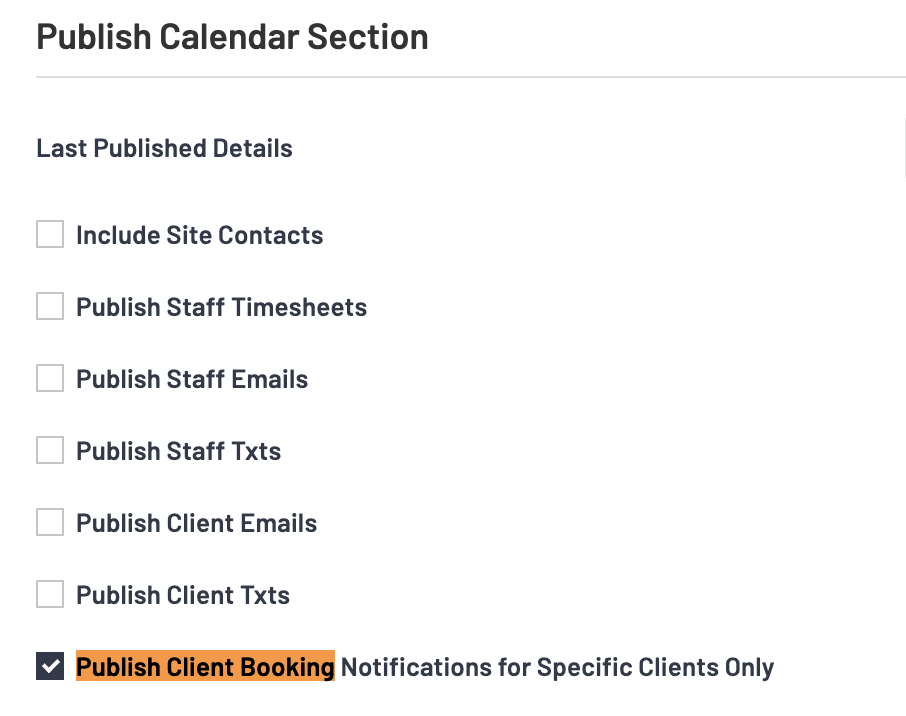
If the Company Data Settings "Publish Client Booking Notifications for Specific Clients Only" has been selected then the settings on Clients will be used to determine who gets notifications.
SETUP the Clients:
https://creatorapp.zoho.com/100rails/goscaffold/#Report:Clients_List
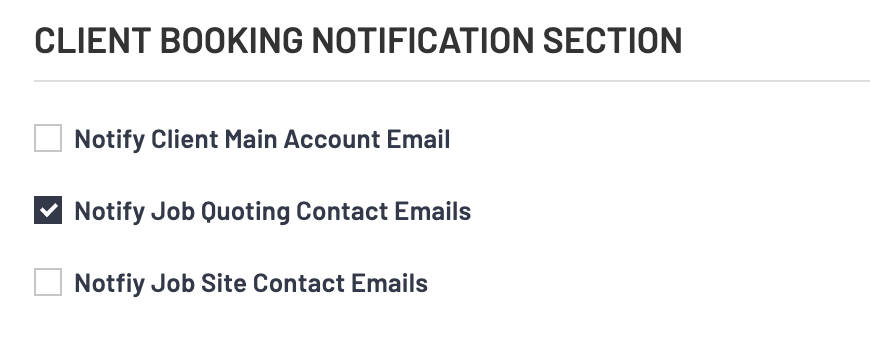
Each client has settings for booking notifications. Go to the Client List and edit the ones you want to setup notifications for.
SETUP the Work Types List:
https://creatorapp.zoho.com/100rails/goscaffold/#Report:Work_Types_List
The Work types list contains all the activity work types that you would then like to turn notifications on for.
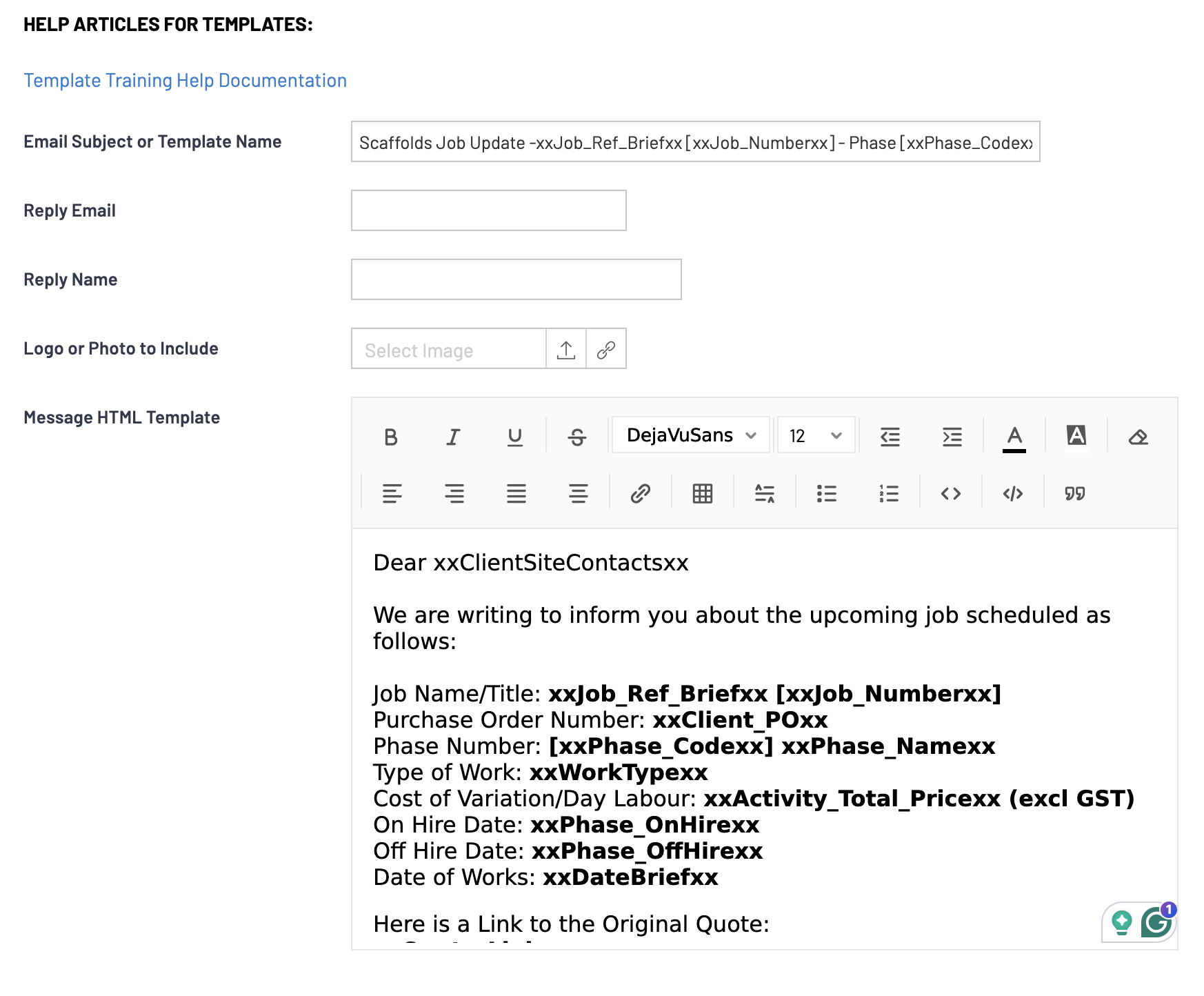
GOTO the Templates area and Edit:
https://creatorapp.zoho.com/100rails/goscaffold/#Report:Templates_List
The Email Template is called "Clientpack Template"
You can utilise any of the standard tokens for creating this template.