Auto Refresh - TV WHITEBOARD
OVERVIEW:
This feature will install as an extension on a Chrome Browser and refresh the Page that you enable it for.
Handy for setting up a Big screen TV with the Schedule for the day.
CHROME EXTENSION to INSTALL:
This ONLY works on the Chrome browser.
1 Go to the following install location...
https://chrome.google.com/webstore/detail/easy-auto-refresh/aabcgdmkeabbnleenpncegpcngjpnjkc
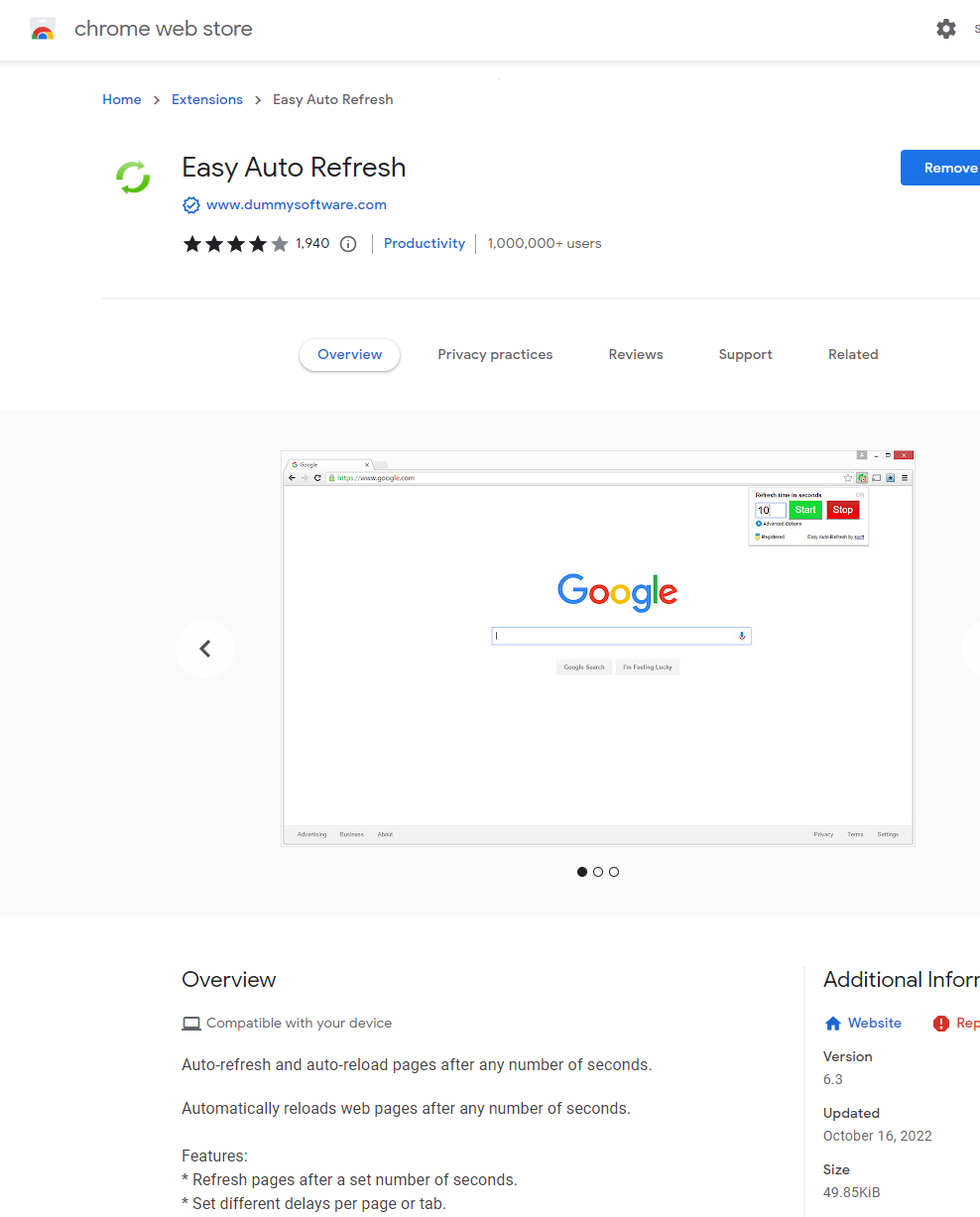
- Open a browser tab and load the following Link in the Tab (you can click the link and it will open): https://creatorapp.zoho.com/100rails/goscaffold/#Page:TV_Display
- Then click on the small icon at the top. It looks like a jigsaw piece.
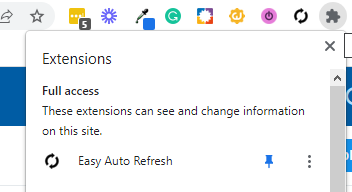
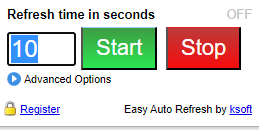
- Then click on the Easy Auto Refresh icon and a screen like below will appear. Set the timer to 300 seconds for 5 mins or 600 seconds for 10 minutes between refreshes. You don't want it to be too short of an interval.
- That's it, you can click the full-screen icon in the top right of the tab with the Link from above and it will keep refreshing .