Enable your Service Locations for Firefox for Windows
If Scaflog looks at follows:
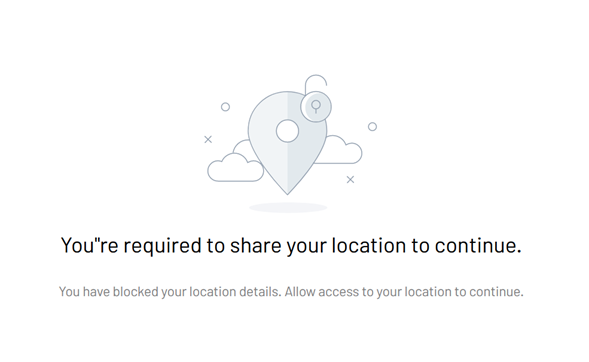
On Firefox:
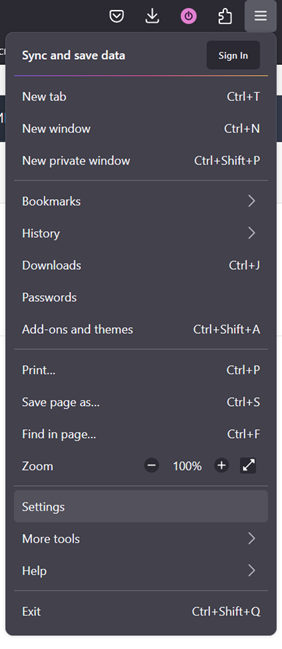
1.- Go to the right top corner and click on the 3 lines, then click on Settings:
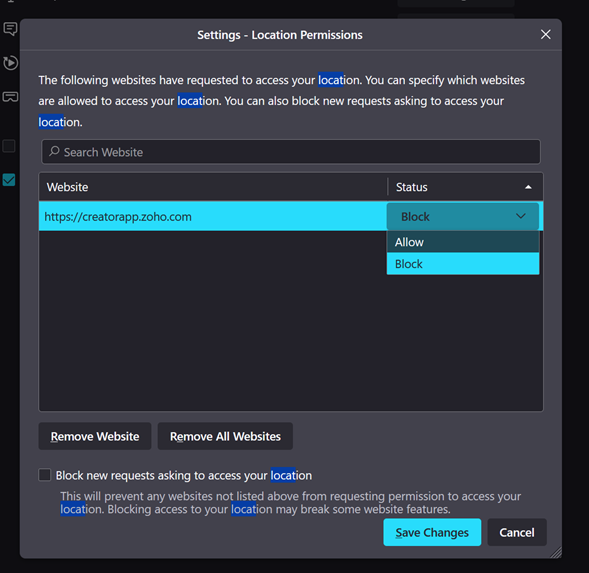
2.- Search on the top searching bar "Location" and click on its button Settings...

3.- Change the Status to Allow and click on Save Changes:
4.- Go back to Scaflog and reload the page, it should change to this and click on Proceed:
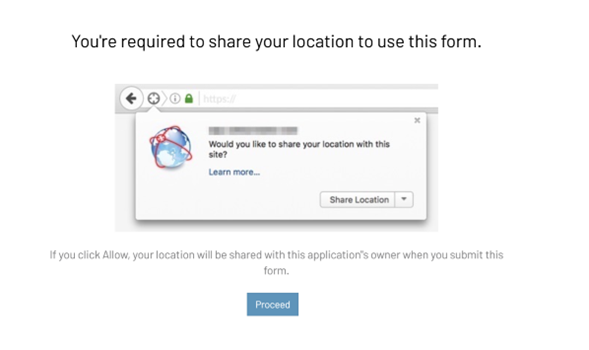
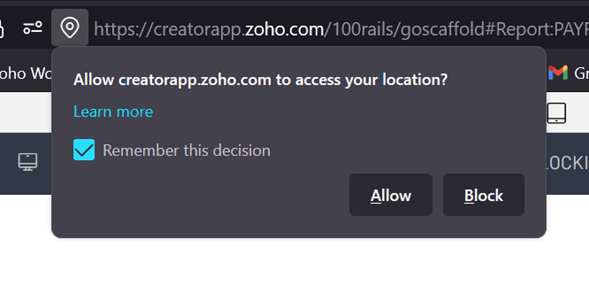
5.- Tick "Remember this decision" and click on Allow:
This should fix it!