How to Use Costs on Quotes
OVERVIEW:
You can turn on Costs in Scaflog so when you are quoting you can load the estimated Cost of the Products into the quoting process and see the margin on your Quotes.
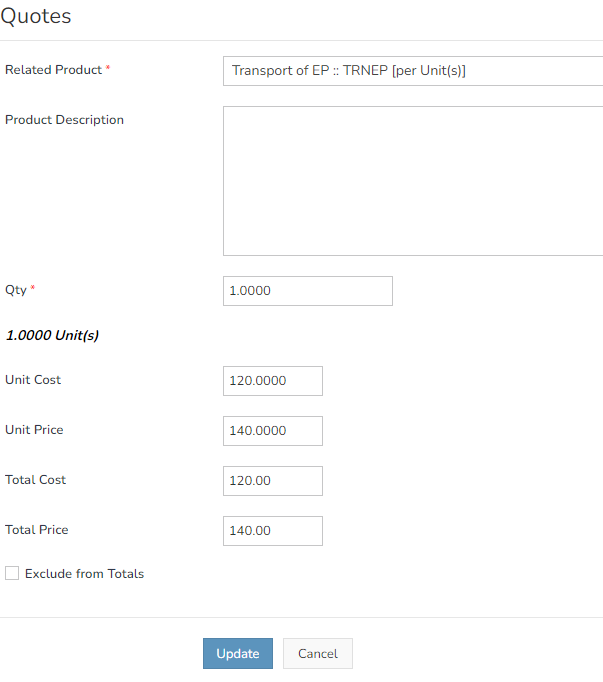
See below for an example of the Costs and where they show on the EDIT QUOTE screen.

When you add a Charge (using the Blue +Charge button), you can add the Unit Cost at that time and it will show up on the Edit Quote screen.
SETUP OF PRODUCTS THAT HAVE COSTS:
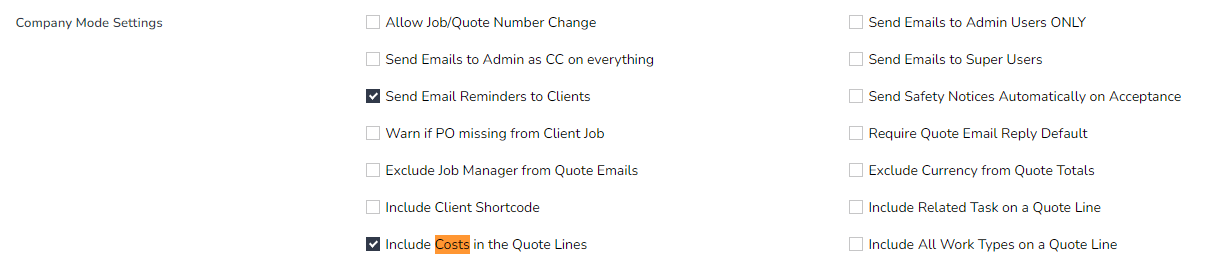
The first thing to ensure is that the Company data set has the Costs tick box enabled.
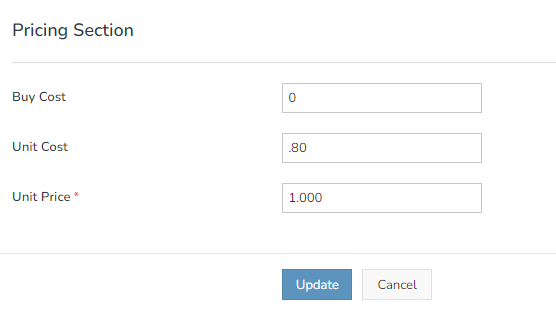
The second part of the setup is to flag a product in the PRODUCT List in the ADMIN MENU with a zero or positive cost in the Unit Cost setup (as below)
NB. If you leave the Unit Cost blank then the Cost box or field will NOT show in the Quoting screen