How to Archive, Delete or Finish a Client
OBJECTIVE:
At times you may want to stop using a client. If you have not done any quotes, schedules or invoices etc with a client then you will be able to simply RIGHT CLICK and DELETE them.
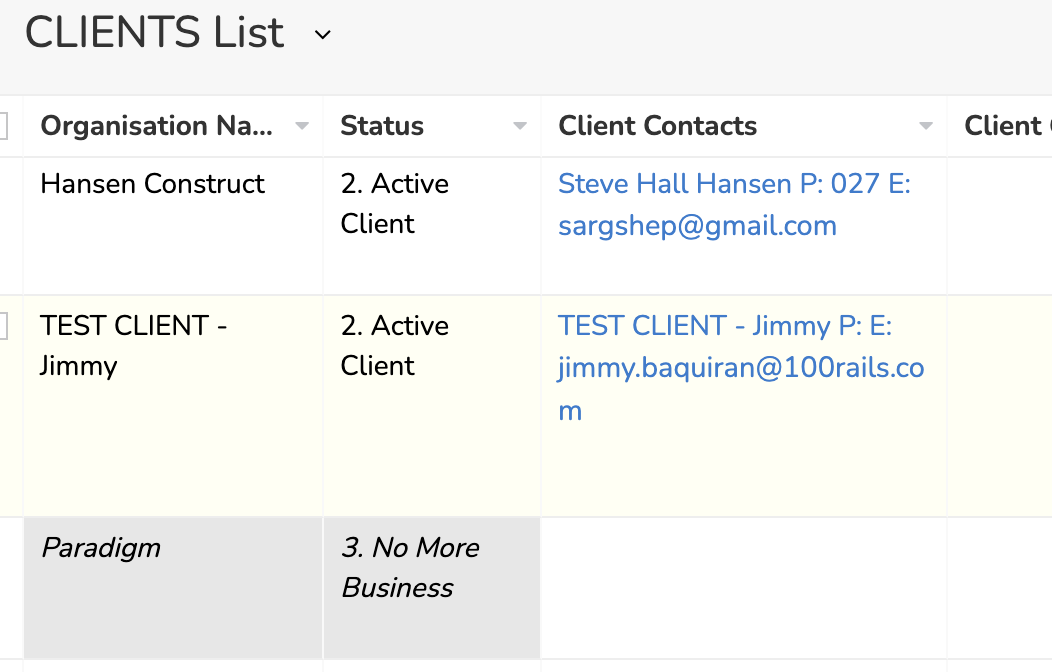
If you have DONE any of the above with them then you can set the Client status to:
3. No More Business
4. Out of Business
ACTION STEPS:
1. Go to : https://creatorapp.zoho.com/100rails/goscaffold/#Report:Clients_List
2. Tick the Records you want to do "NO MORE BUSINESS" with and then click the EDIT button at the top. You then select STATUS from the bulk edit fields and set the status to one of the 2 options above.
 3. When finished the Client record will not appear in any Client Lookup fields And will be highlighted in Grey like below: