Scenario Process - Edit and Upload Company Logo
OVERVIEW:
This log will be on any checklists and other internal forms through Scaflog.
HOW TO:
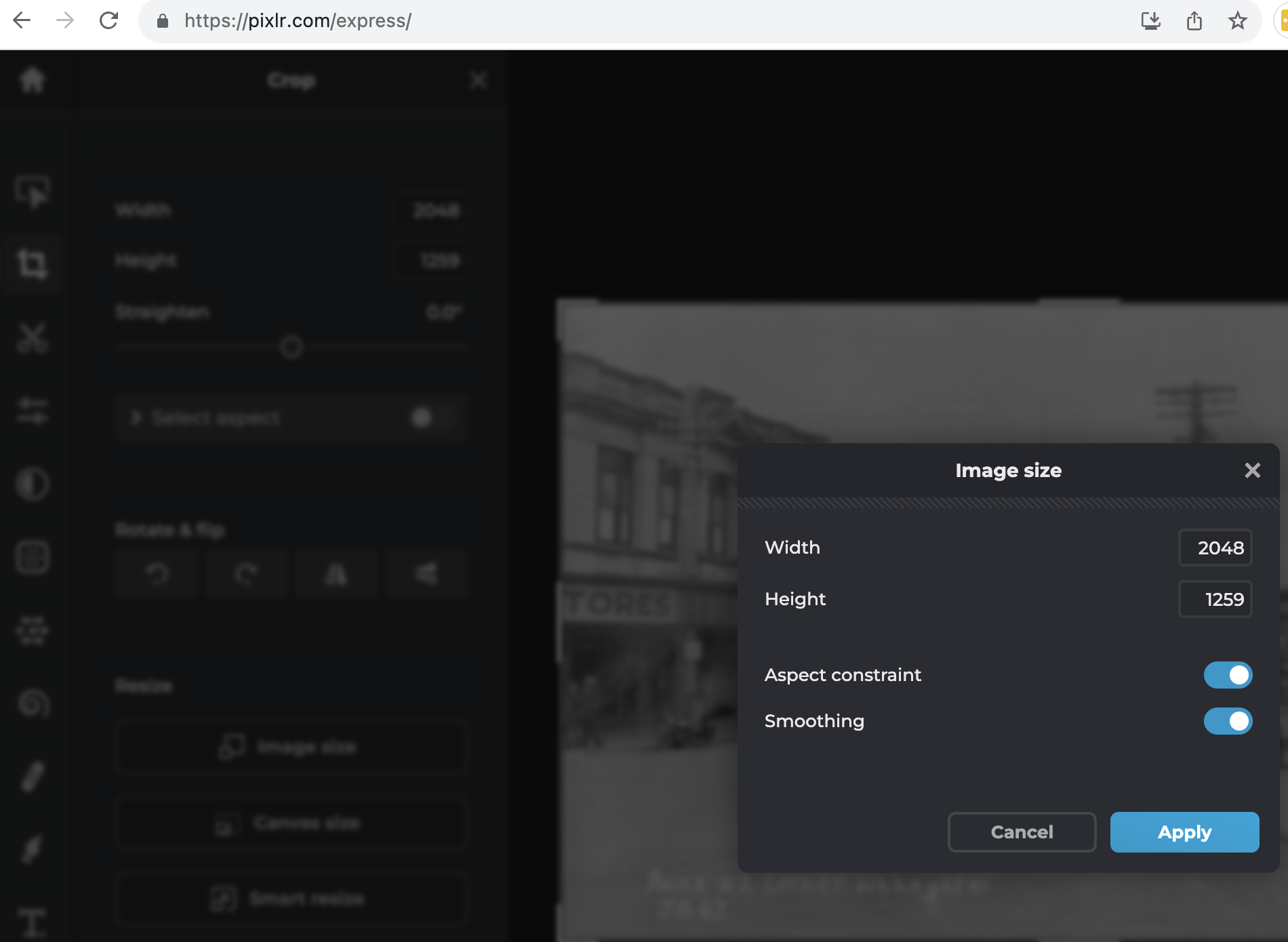
The company logo must be 300px wide x 150px before you upload it into the data set field called Small Logo in the Detailed Setup Section. This logo is only for the Scaflog system; quotes and invoices can have a larger logo
-
Use https://pixlr.com/express/ to Upload and Edit the image
- Change the dimensions to be 300 x 150 (300 across and 150 high) to that is doesn't change/stretch the logo