Setup Staff or Contractors for using Clocking
Some Action Steps for Setting up Staff to Clock on:
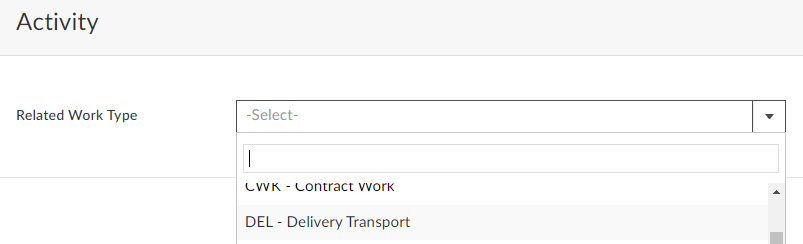
1. Check if you have some Work Types setup in the List for Delivery and Pickup
https://creatorapp.zoho.com/100rails/goscaffold/#Report:Work_Types_List
2. Set the staff up with an email at your domain or ask us to set up an email at our @100email.co domain or collect the staff or contractors' emails and enter them into the staff list here:
https://creatorapp.zoho.com/100rails/goscaffold/#Report:Staff_List
3. Set each staff member up with a pin
 4. Set their security to allow Clocking
 5. Send them the LOGIN EMAIL
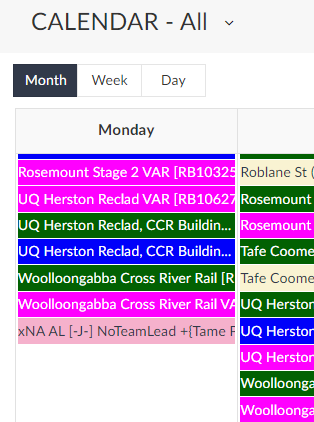
 6. Set up the Activities on the schedule using a LEFT CLICK to Add a new activity. Select Delivery or Pickup and then select the job and phase that relates to the work.