*SCHEDULING: How to filter out the Activities already completed
OVERVIEW:
Sometimes you may want to see only the calendar and schedule activities that have NOT HAD their % DONE entered ready for billing.
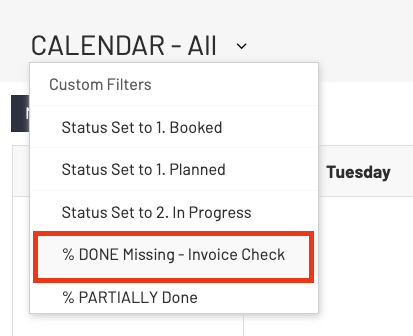
To easily see this when you are in the calendar GO TO the TOP LEFT by the Wording "CALENDAR - All" and click the small dropdown arrow and the menu will appear to filter the activities with various options.
Select the "% DONE Missing - Invoice Check" and you will only see those activities that have NOT been set with any %.