*HR: How to Close, Cancel or Delete a Zoho Account
OVERVIEW:
At times people will have setup a Zoho account and it may be pointing to a server OTHER than the USA servers. (ie .com.au)
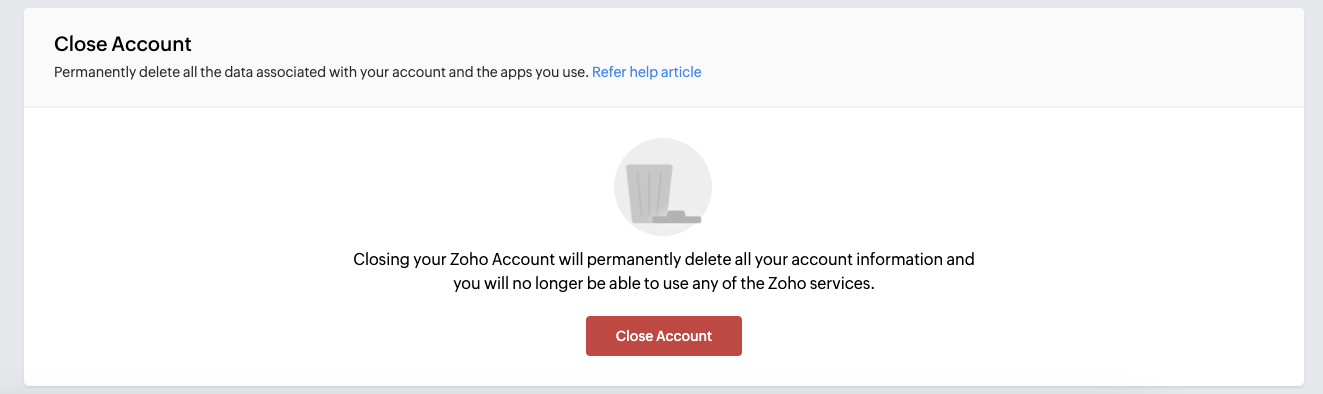
Go to the Close Account option and cancel. Ensure you are on the right email.
CANCEL / CLOSE your old ZOHO ACCOUNT:
1. Click this link: https://accounts.zoho.com/home#setting/closeaccount
2. Sign-in with your email (a gmail or other type of email) and the password.
3. Then Close or Cancel the account by clicking the button. All your data will be lost but this will allow you to be setup on our system.