*MOBILE APP: Downloading and logging into the Mobile App
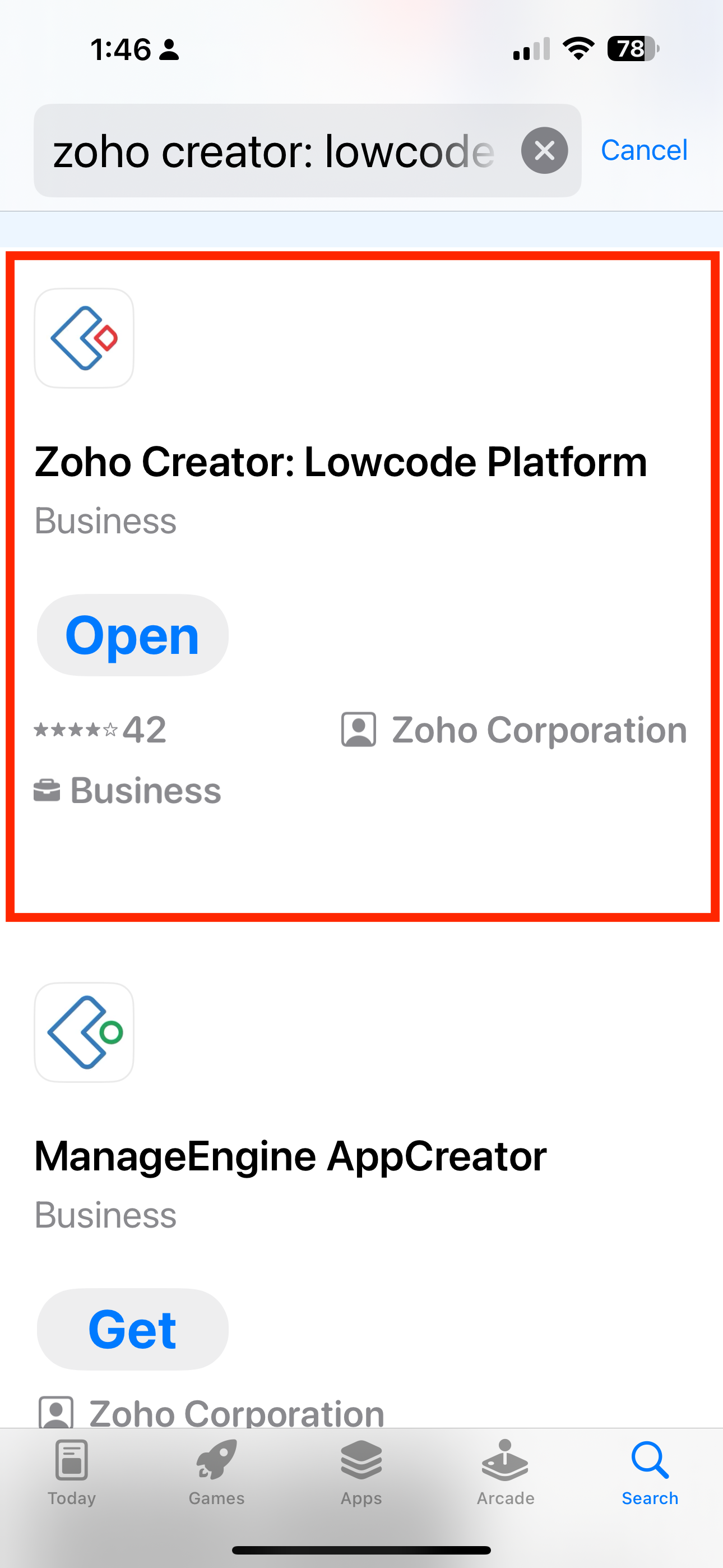
At present, our software runs on the Zoho Creator platform. You can find the app on the Apple App Store and the Android Playstore at the following locations.
APPLE APP STORE: iOS Mobile app (for iPhones and iPads):
https://apps.apple.com/in/app/zoho-creator/id692005267
GOOGLE PLAY STORE: Android Mobile app (for phones and tablets):
https://play.google.com/store/apps/details?id=com.zoho.creator.a&hl=en
ON MOBILE DEVICE
- From the App Store or Play Store find and download the Zoho Creator App
- The locations for download are above
- Once downloaded, open the app
- It will ask you to sign in, so enter your email and password to sign in
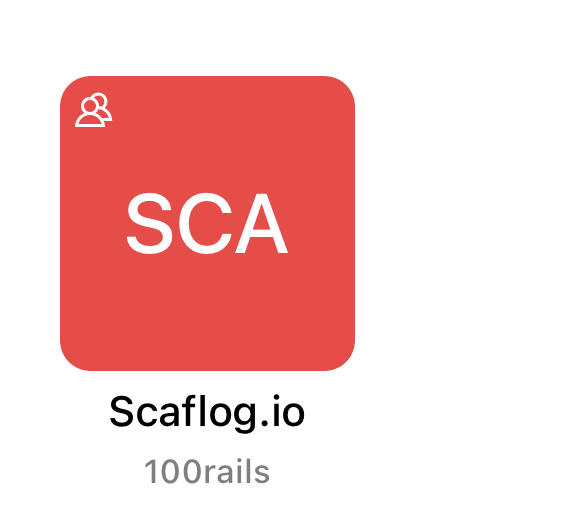
- My Apps screen - There will be a RED Scaflog.io Icon - Open this.
- You're IN!