Trouble Shooting on Iphone/Ipad- Checking Version of Zoho & Updating if Needed
OVERVIEW: If you are having trouble with your accessibility within Scaflog, check the Zoho Creator App to confirm you are using the latest version.
Here is a handy link to "Turn On" automatic Updates on your iPhone
https://support.apple.com/en-gb/HT202180
On any Mobile Device:
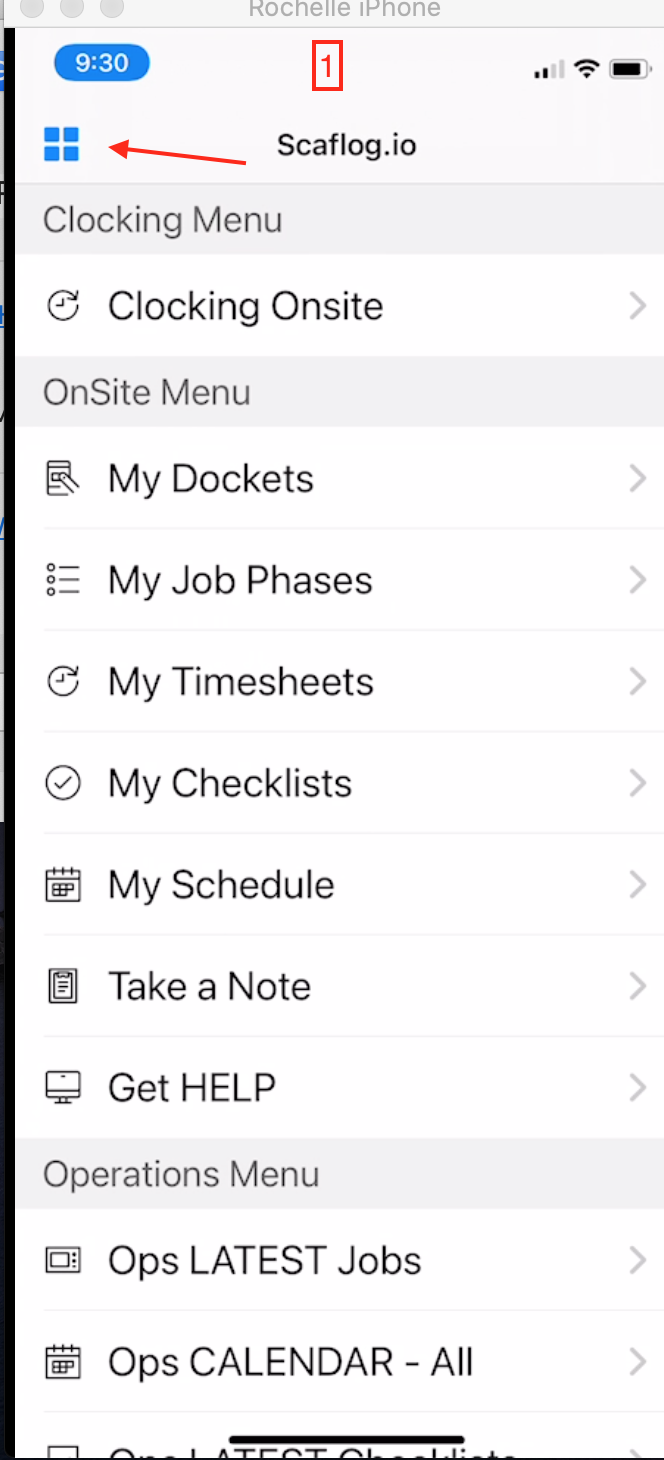
1. Main menu - Tap on the 4 blue squares
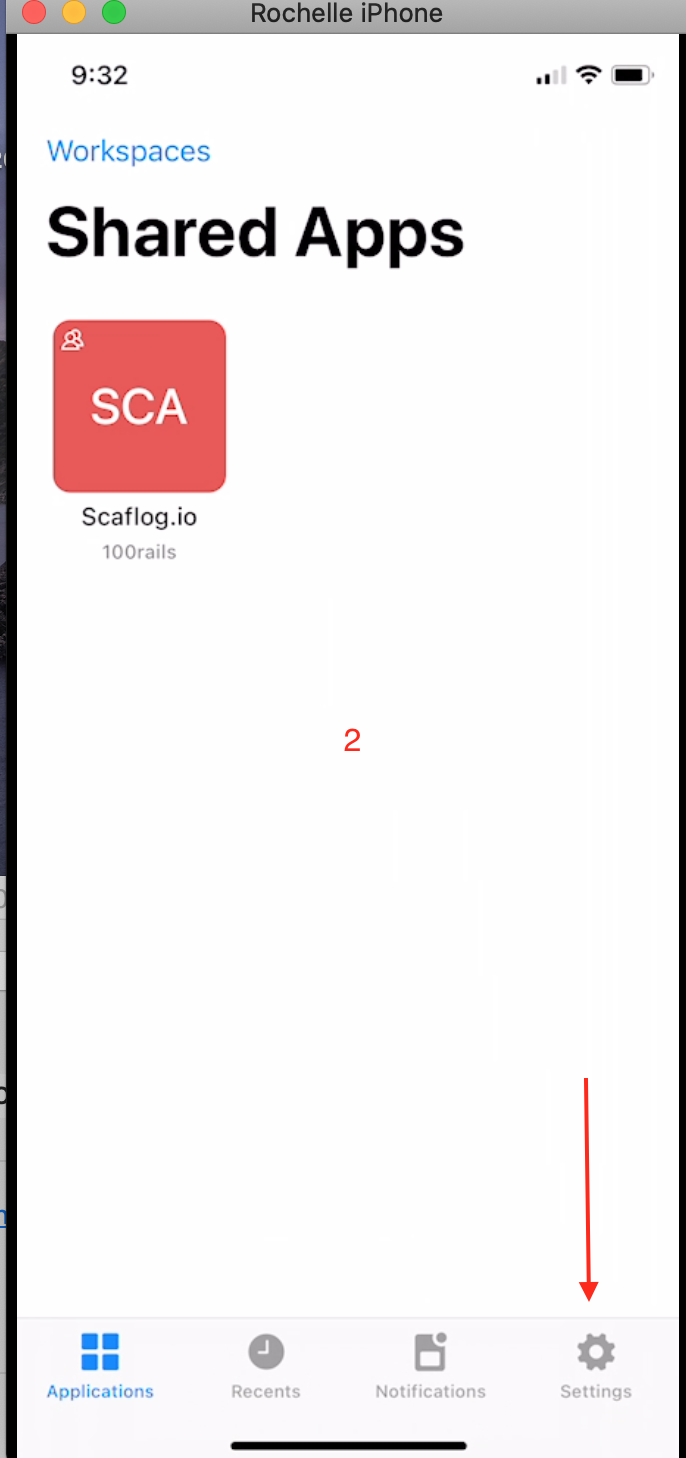
2. Tap on Settings
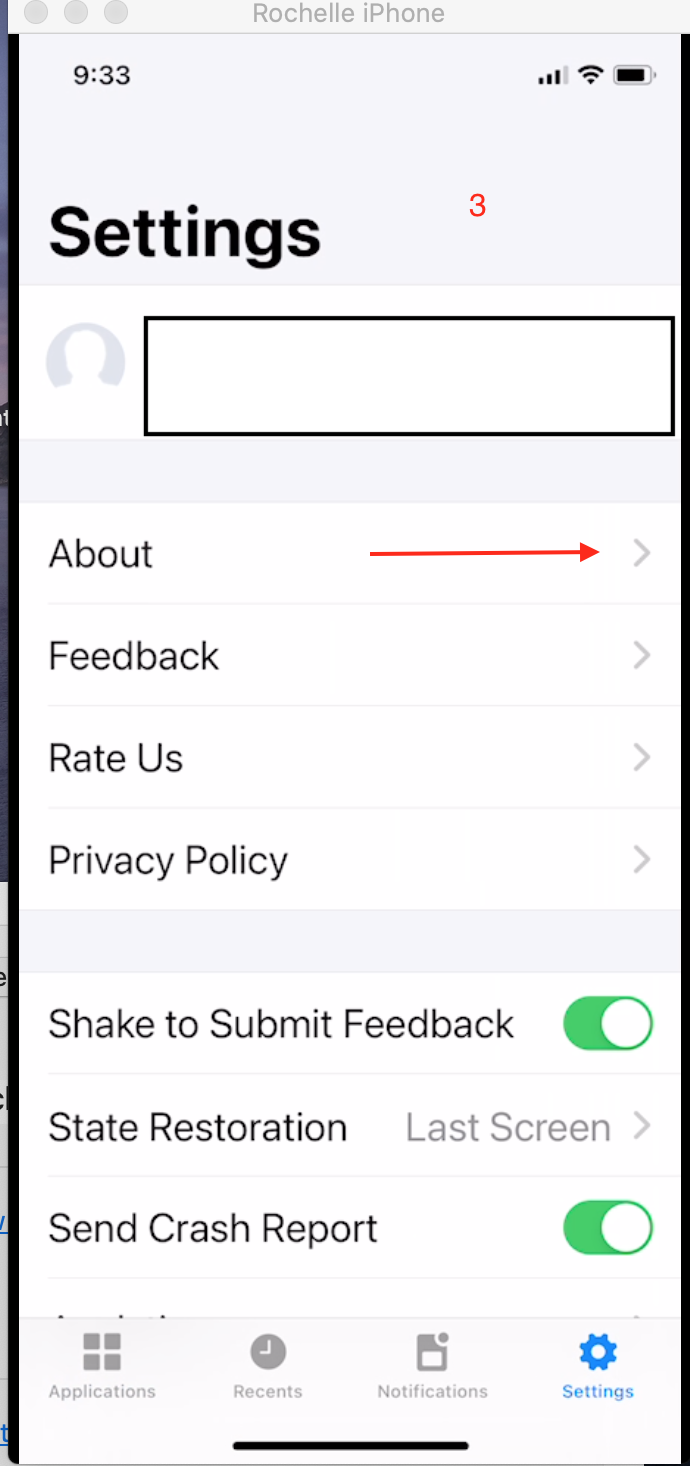
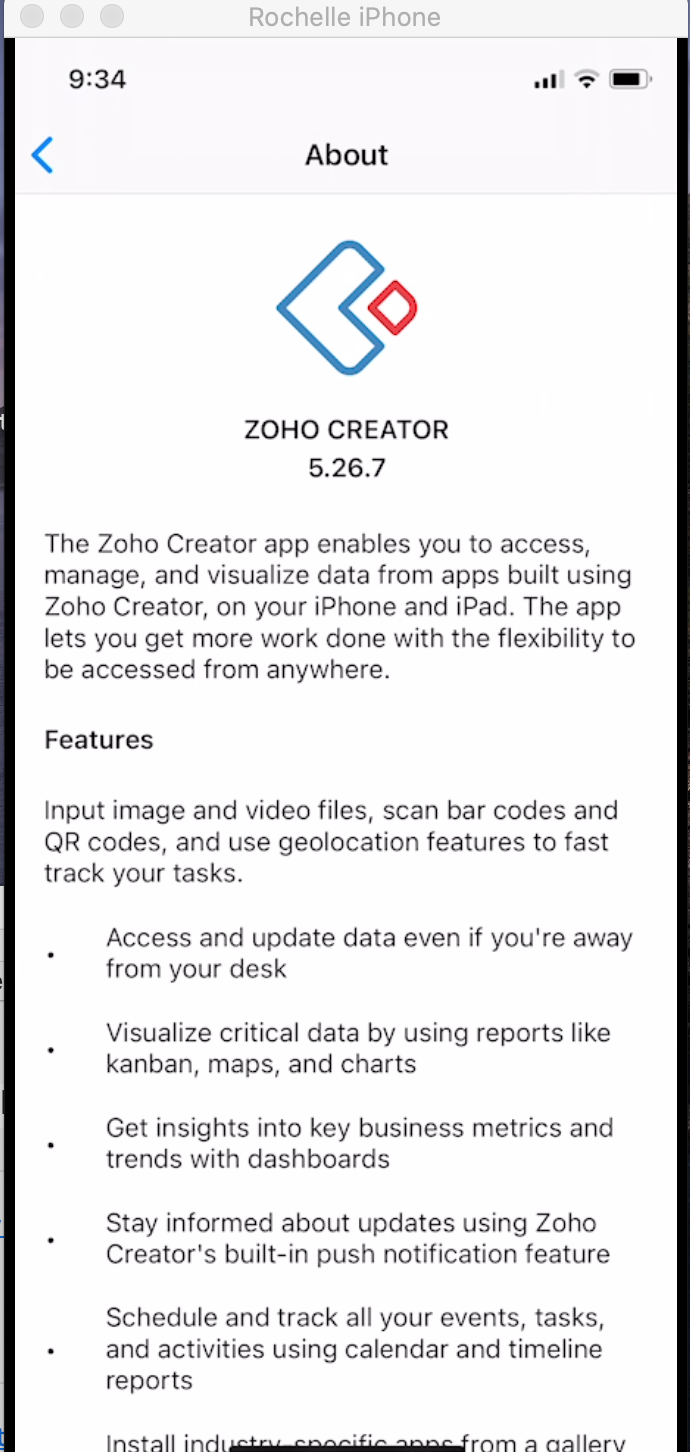
3. Tap on About - This will show you your version number
Tap on applications to get back to the app
In the App Store:
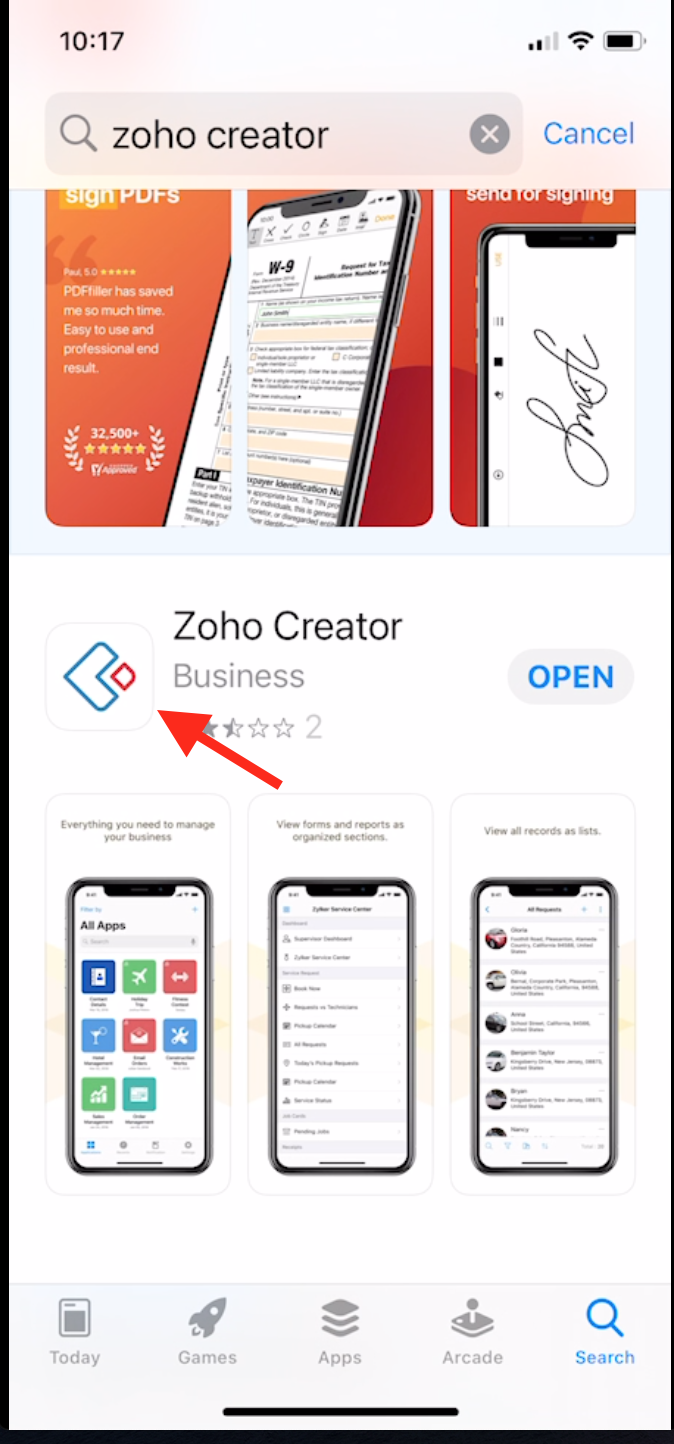
1: Search for Zoho Creator
2: Tap on the image and this will show you what the latest Version is: Update if required