*First Time Login for Scaflog Users
NB. This document is for Scaflog Users who want to create their Scaflog Account.
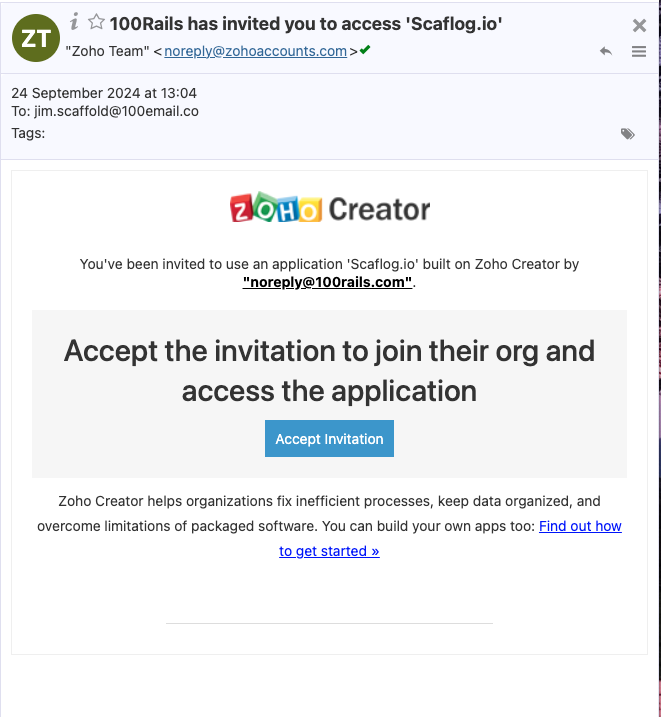
NOTE: The invitation email will come from ZOHO TEAM noreply@zohoaccounts.com so it may go to their SPAM/JUNK folder.
Your first Log On setup MUST be on a computer.
DO NOT LOG IN ON YOUR PHONE EMAIL!!
STEPS:
Open the email from The Zoho Team and click on the blue "Accept Invitation" button to accept.
NOTE: If you are using someone else's computer who already uses Scaflog, right-click and open the Accept Invitation button in an incognito window then Accept Invitation
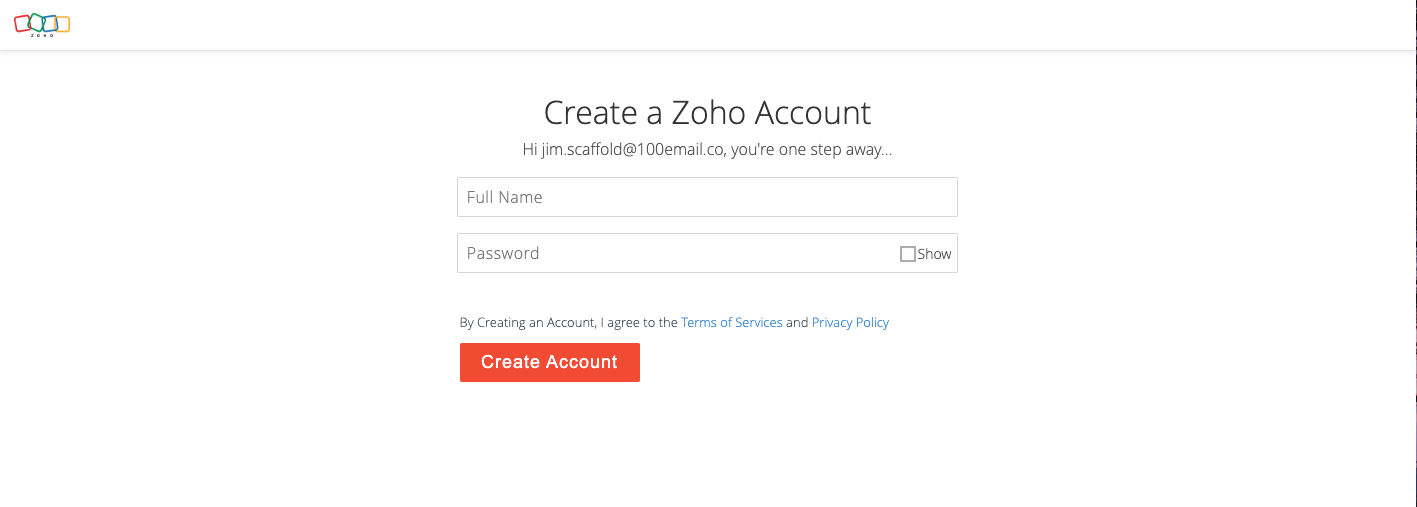
This will take you to Create a Zoho Account page
- Enter your full name
- Choose a password
- Click the Red Create Account button
Once into Scaflog, bookmark the page for easier access next time.
(DO THIS SECOND) Downloading & Logging into the APP for the first time:
ON MOBILE DEVICE
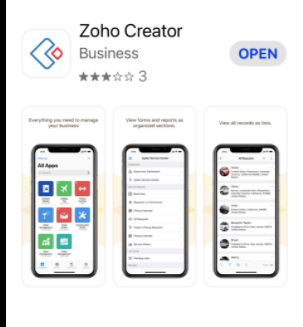
- From the App Store or Play Store find and download the Zoho Creator Business App
- Once downloaded open the app
- It will ask you to sign in, so enter your email and password to sign in
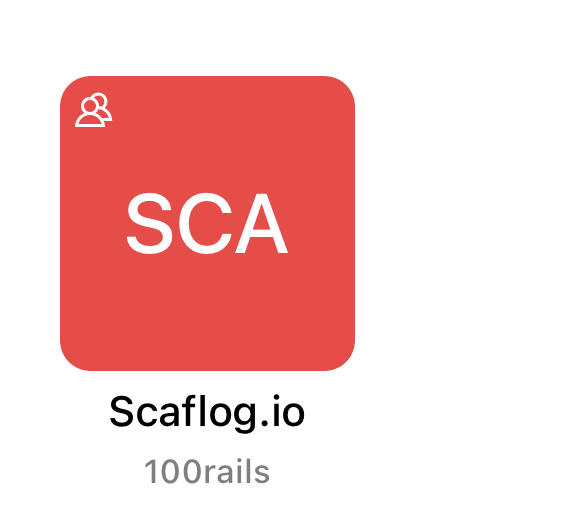
- My Apps screen - There will be a RED Scaflog.io Icon - Open this.
- You're IN!