Scenario Process - Adding Time Slots or Extra Time Steps for Scheduling
OVERVIEW:
Adding time sots to the company allows the calendar and the on site dockets to show what job/phase to do 1st or the time required.
HOW TO:
- Go to company data and edit.
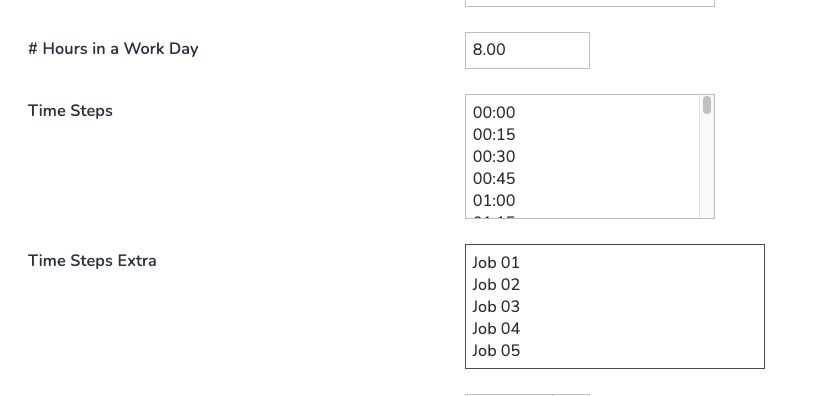
- In the Payroll section add the times or words wanted in Time Steps Extra eg: Slot 01, Slot 02 or Job 01, Job 02, Job 03 etc..
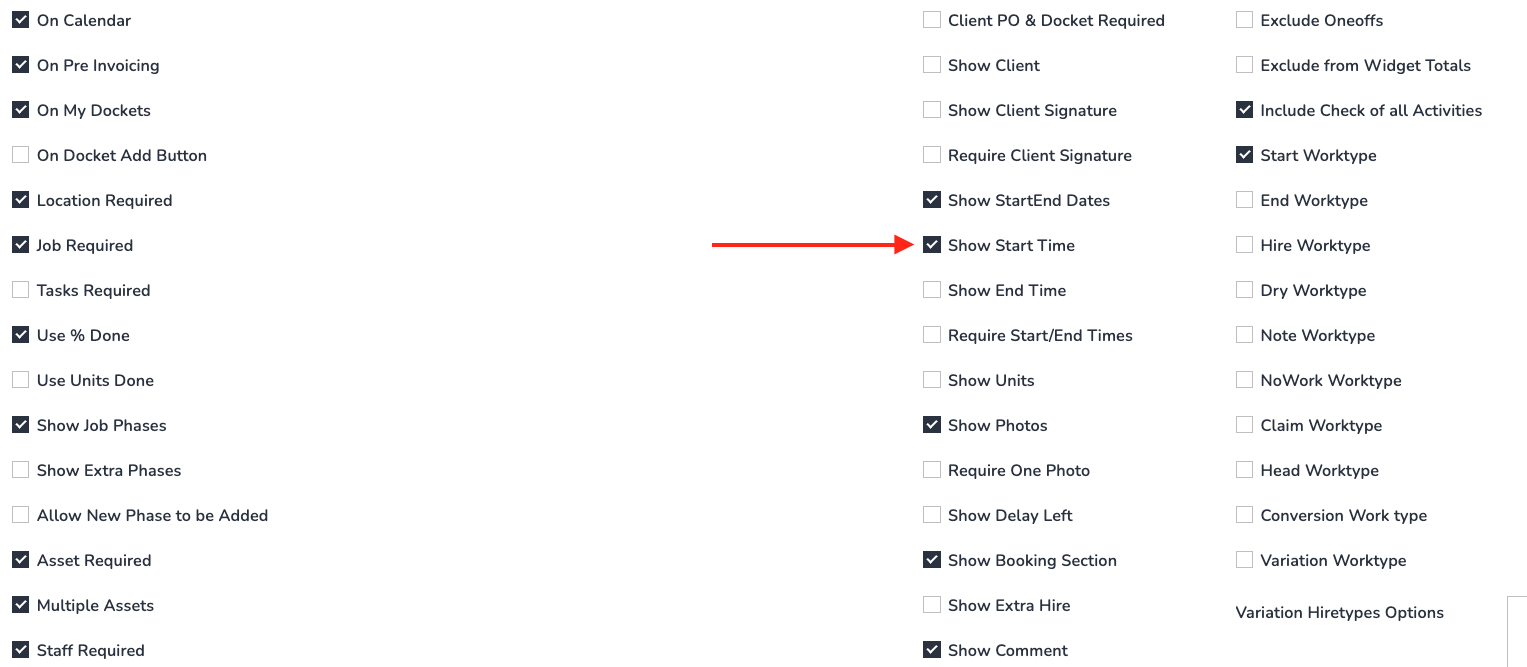
- Go to Work Types in the Admin Menu and choose the work types being used for scheduling work that need these time steps.
- Tick Show Start Time (Show StartEnd Dates should already be ticked).
-
Now these extra time steps will show inside the work type when scheduling:

