How to Change my Login Name and Review all Emails Associated with an Account
REVIEW:
Changing a users LOGIN name is NOT the same as changing their name in the HR MENU -> Staff List.
You can change it in both places but this article describes how you can change the NAME in the top right of the system when you login.
This happens from time to time when someone changes email or the person assigned to an email changes.
ACTION STEPS for Name:
1. LOGIN to Scaflog as normal with the email and password that you already have
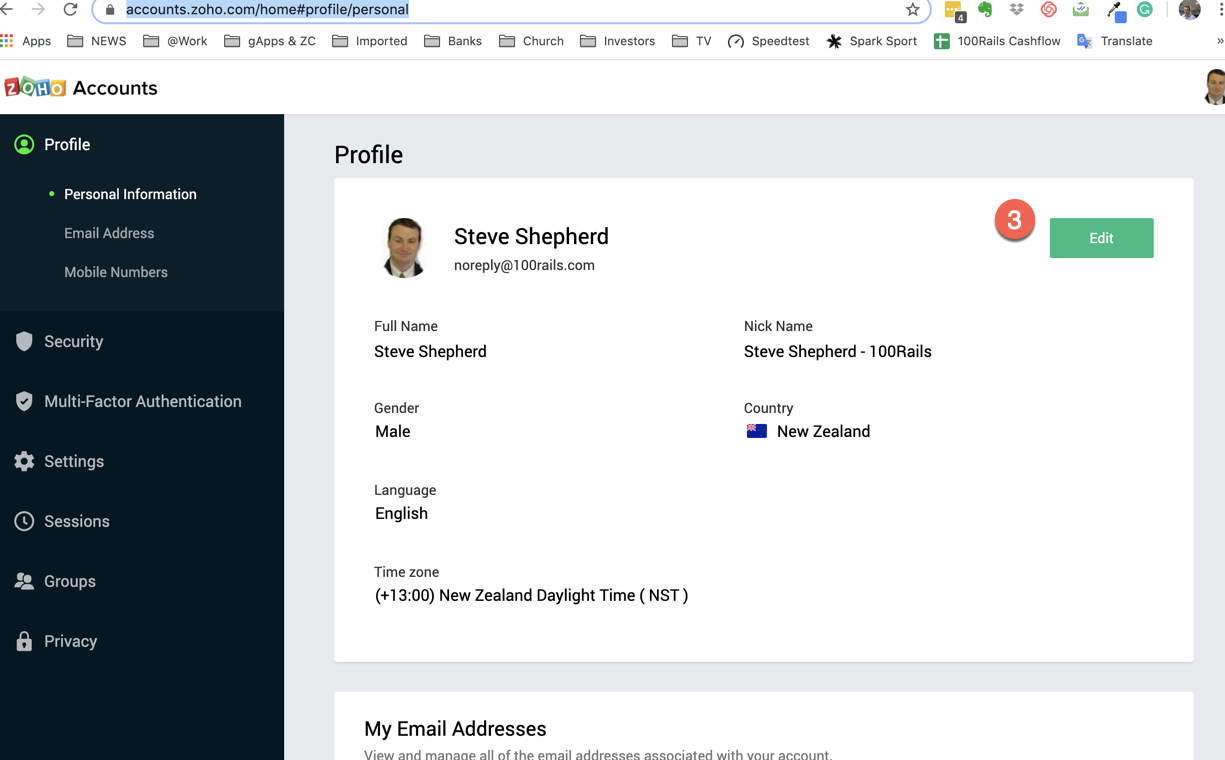
2. Click the following link to EDIT the personal profile of the user: https://accounts.zoho.com/home#profile/personal
3. Click the EDIT button
4. Make the change and click the UPDATE button
SCREENSHOTS:
ACTIONS STEPS for Emails:
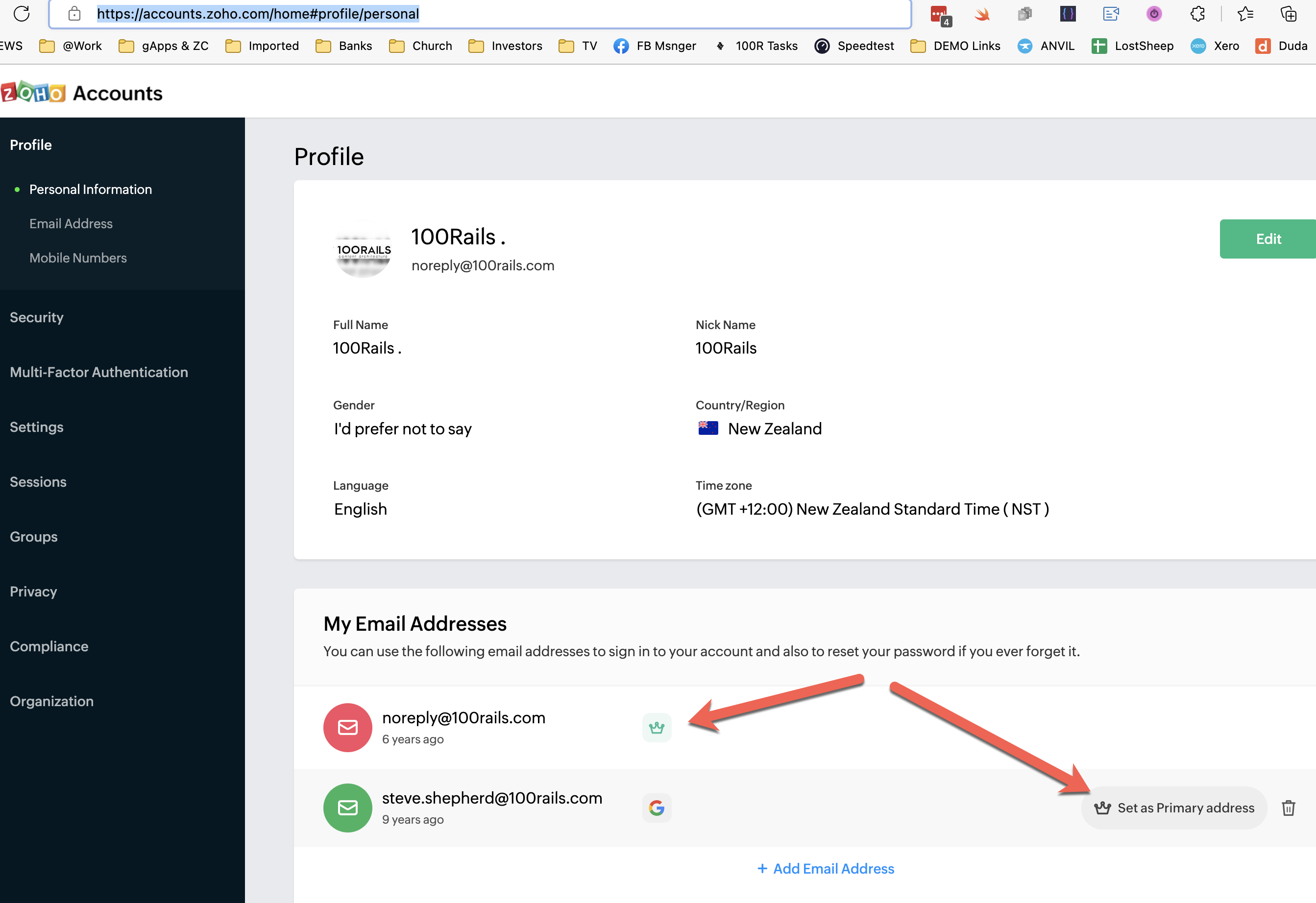
1. Click the following link to review emails associated with an account https://accounts.zoho.com/home#profile/personal
2. You can then ADD emails or change the primary email. If the WRONG email is the primary email this can cause login issues for Scaflog.