*TIMESHEETS: Orientation
OVERVIEW: Timesheet Menu and the difference between them and the different ways you can view them.
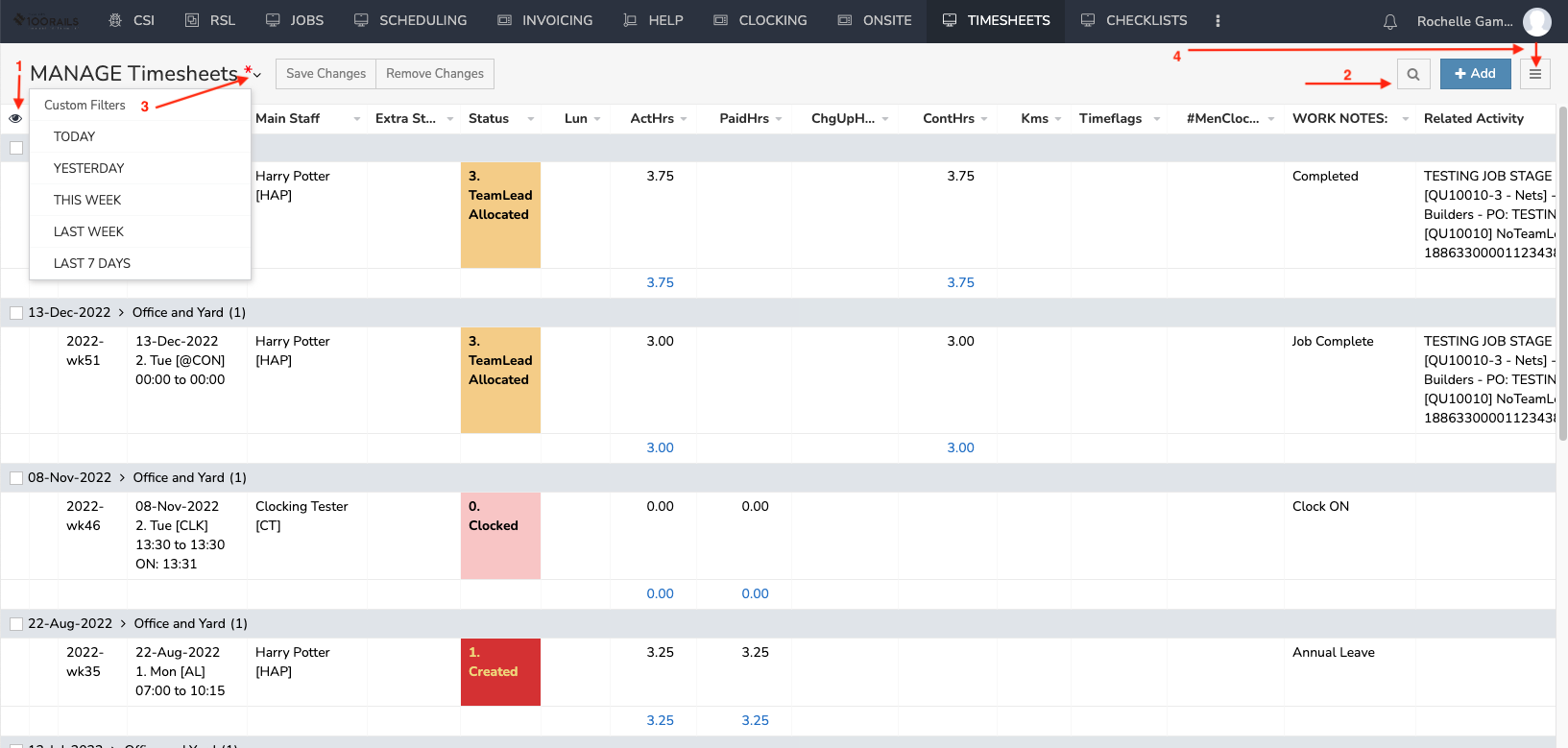
- Go to TIMESHEETS MENU
- MANAGE Timesheets - Shows the timesheets in day order, then all team members and by location if relevant.
- PAYROLL Timesheets - Shows the timesheets by person/staff member by the week number.
- ALL Timesheets - Timesheets sit here once processed by Payroll Administrator. Nothing can be edited once a timesheet has been processed.
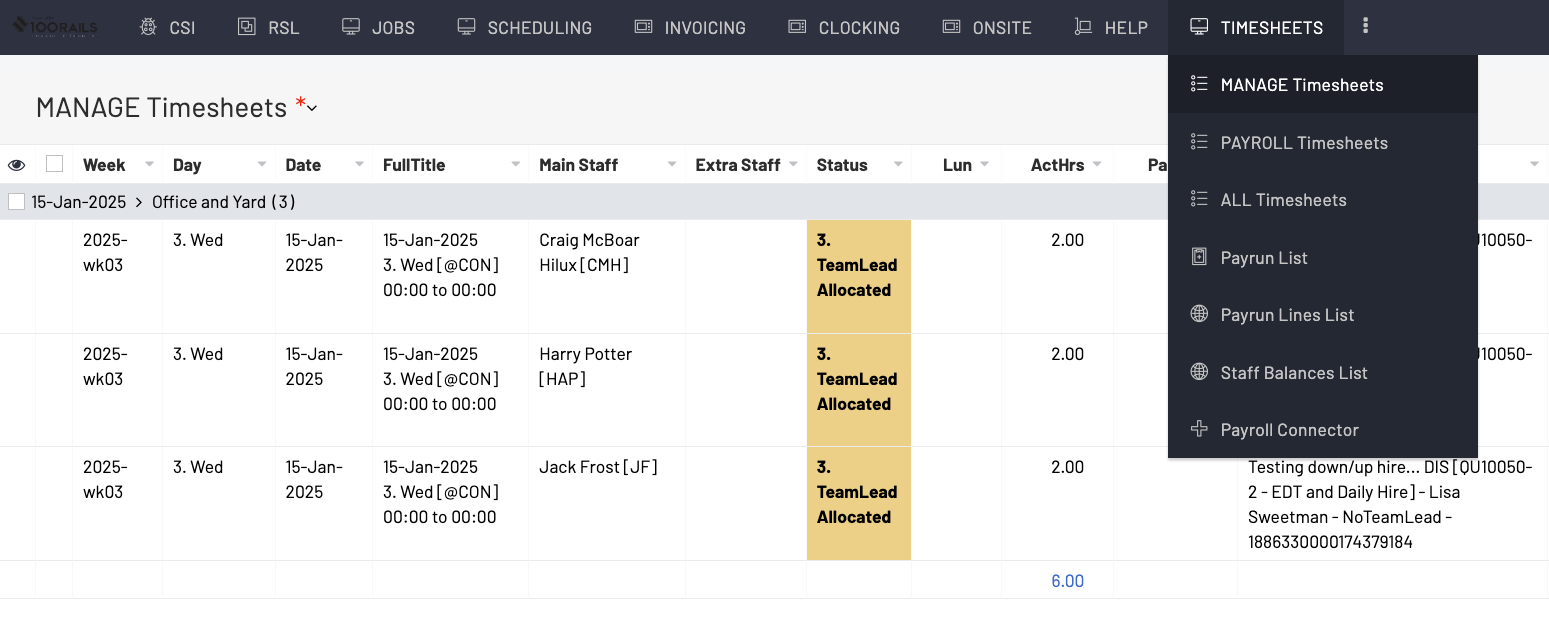
1: The Eyeball allows you to filter which column you as the user wants to see.
2: Magnify Glass to search and filter for required information and + Button to add timesheet.
3: Custom quick filters.
4: Three Lines (Hamburger Menu): Drop down list of options to show different ways of viewing this screen, also option to print and export information as required.