Quotes/Jobs - WorkSafe Notification
OVERVIEW: For any jobs that are going to be over 5m in height WorkSafe need to be notified via their website. Scaflog can take you to this webpage to fill in this form. Then when you receive the notice from WorkSafe you can put the number into that job/quote.
HOW TO:
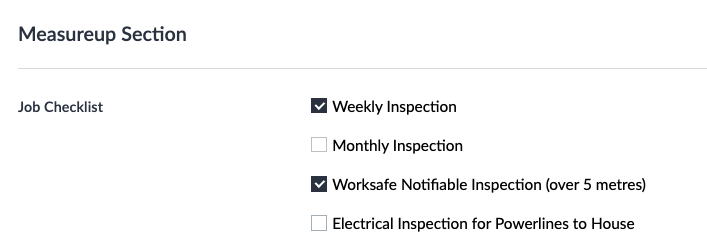
Make sure when setting up this job that the WorkSafe Notifiable Inspection (over 5 metres) box is ticked in the Measure-up Section in the job checklist. To get here right click on the job and choose EDIT.
To bring up the WorkSafe page right click on the job and choose Send Safety Notice. This will open the webpage for the WorkSafe Particular Hazardous Work Notification Form. Complete this form, send it and close the tab.
A date has been recorded in the Safety Status column in the jobs screen for when this notice was sent.
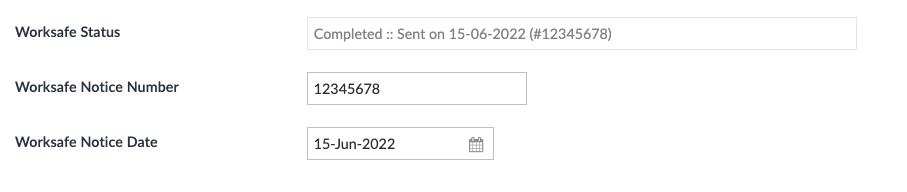
When you get your notification email from WorkSafe then you can record the notice number inside the job/quote. To do this right click EDIT and scroll down to the WorkSafe details and enter the number into the WorkSafe Notice Number box and the expiry date for when it is due to expire.
For more detail please watch this short recording.
RECORDING ON HOW TO: