Quotes - The Basics of Using Quotes and Jobs
OVERVIEW:
The ALL Quotes/Jobs screen found in JOBS and is used for adding quotes
The right click will provide a FAST method of getting to RELATED information on the job or quote row you are highlighting.
The left click inside any line will pop out a screen on the right with an overview and MORE details about the job
HOW to ADJUST the PAGE:
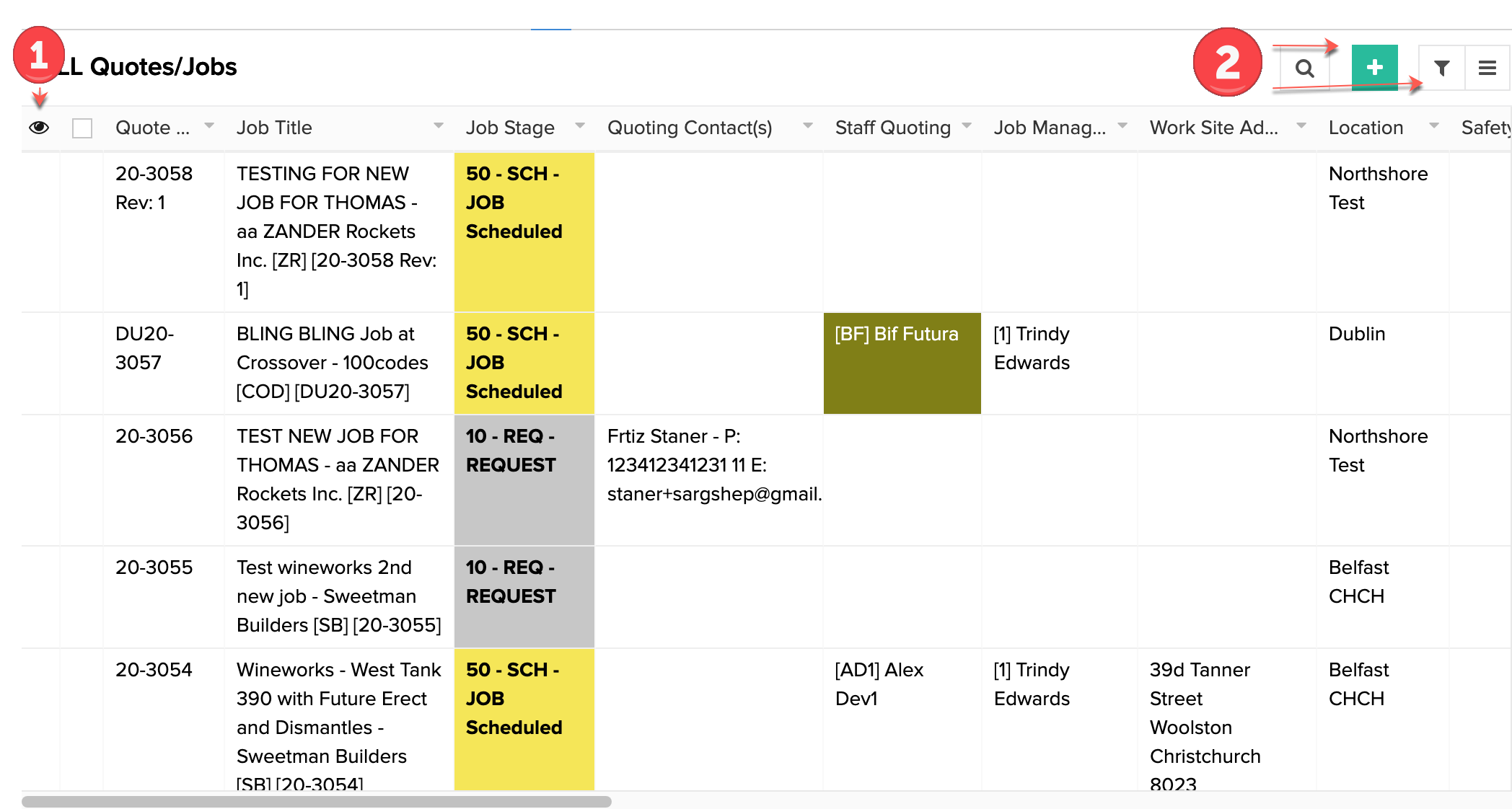
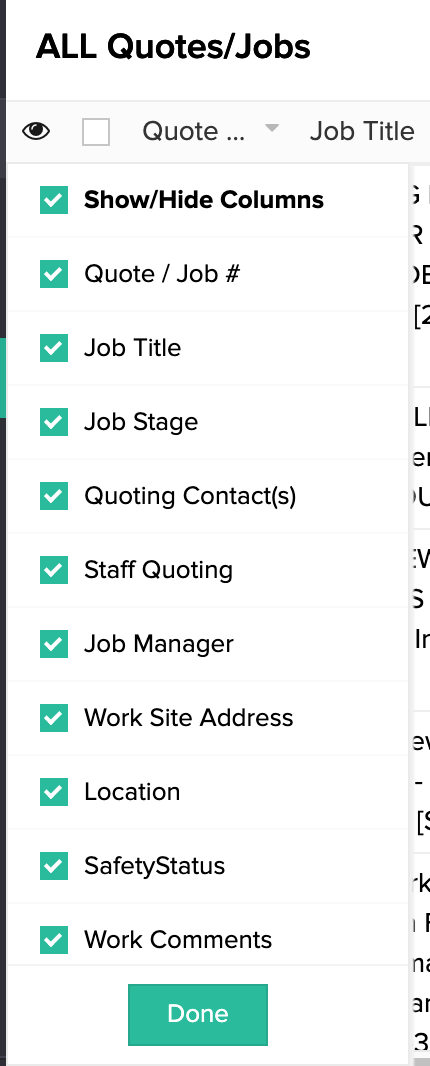
1 . The eyeball, this enables you to hide/unhide any columns running along the top you do/don't want to see
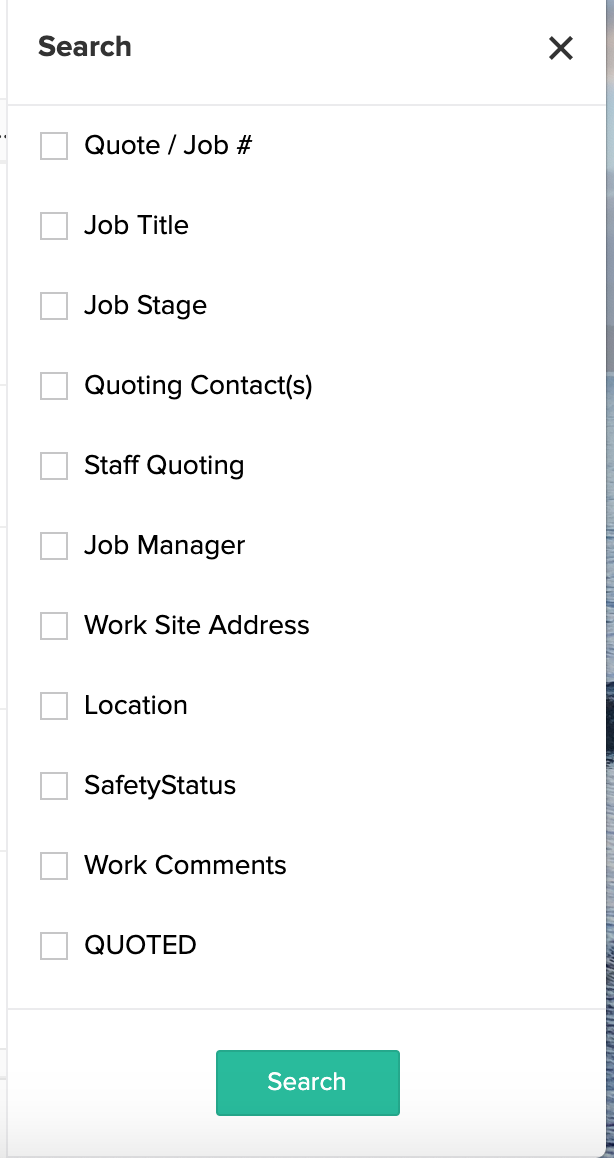
2. The magnifying glass is the search function which enables you to search for a particular job using the headers
2a. The + button, allows you to add a new job/quote
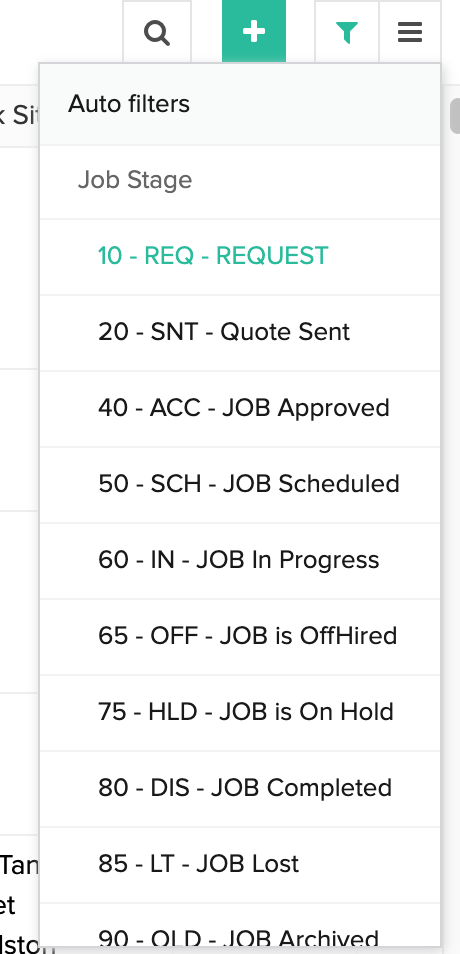
2b. The Filter button, a quick Auto filter with preset options