ADMIN: Xero Integration/connection
OVERVIEW:
To integrate Xero Accounting and Scaflog
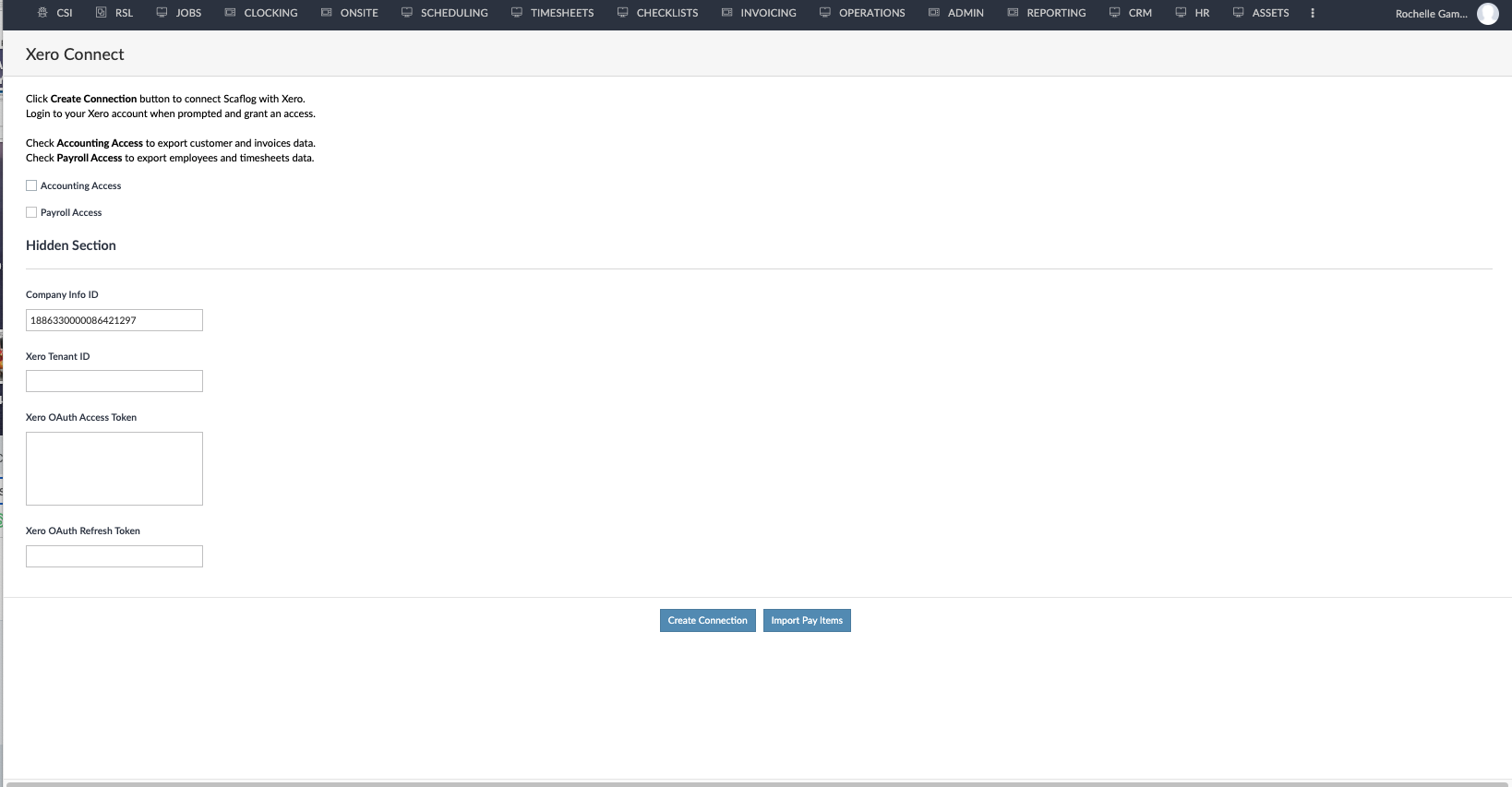
1. Go to Admin Menu - Scroll down to the bottom
2. CLICK on Xero Connect
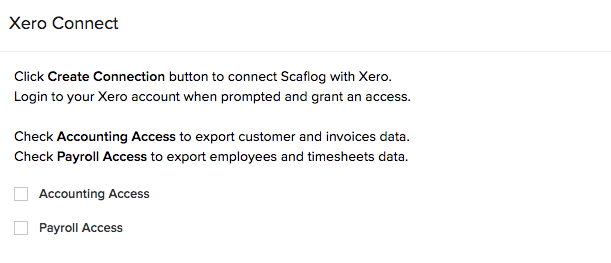
3. At the top of page find Tick box Accounting Access if not already ticked and TICK (if you are using Xero Payroll, then also tick this)
4.Scroll to the bottom of page CLICK Create Connection (do not click any other buttons on this page)
5. Xero authority screen will open in a new Tab - (if not, check pop ups are allowed)
6. Follow the prompts to enable the connection
- email support@100rails.com to let them know this has been done
***PLEASE NOTE: Any change of client details MUST be done in Scaflog to flow through to Xero. It is a one direction flow. It doesn't work the other way (from Xero to Scaflog).