HR: Updating the Key information on a Staff Member
OVERVIEW:
This article covers the key information of a staff member or contractor. There is information that is crucial to the working of the system.
FIRST THING:
- Go to the HR MENU
- Go to the Staff List (Active Only)
- Search for the staff member you want to edit and right click to EDIT
SETTING THE LOCATION:
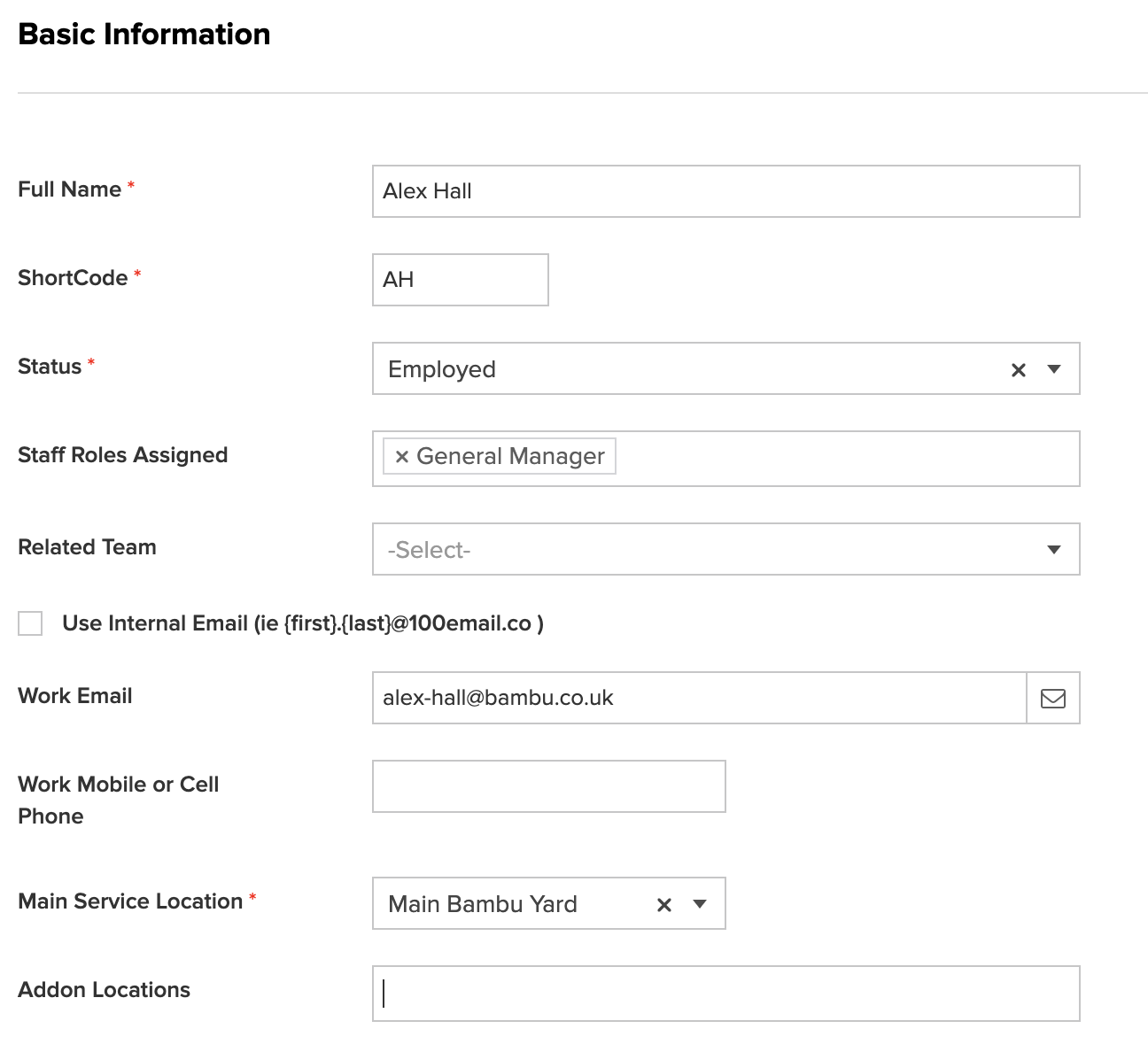
- Scroll to the Basic Information Section
- Update the Main Service Location and the Add-on Locations
The locations relate to WHICH JOBS and CALENDAR Activities will be displayed for this staff member or contractor.
EXAMPLE: If you have two branches (Grootville and Tohmas Town) you may want to give a staff member access to the jobs in Grootville only. So you would leave Tohmas Town out of the Add-on locations.